Fix AutoTuner Software Crashed When Reading ECU
Problem: Still having issues with autotuner, it stuck on reading ECU page and crashed. maybe someone been through this?
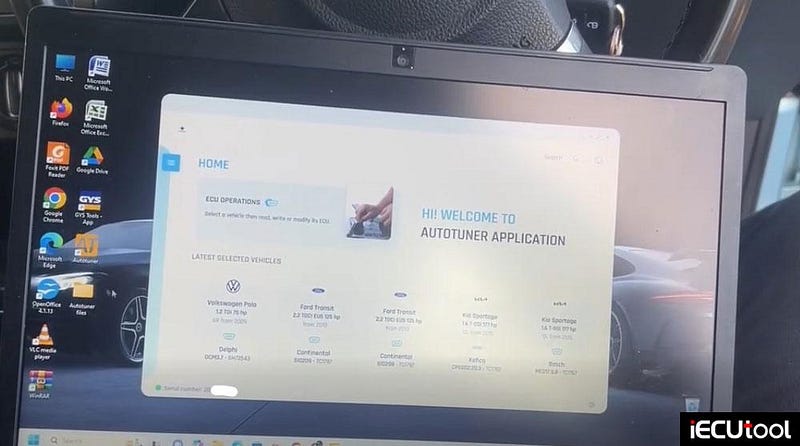

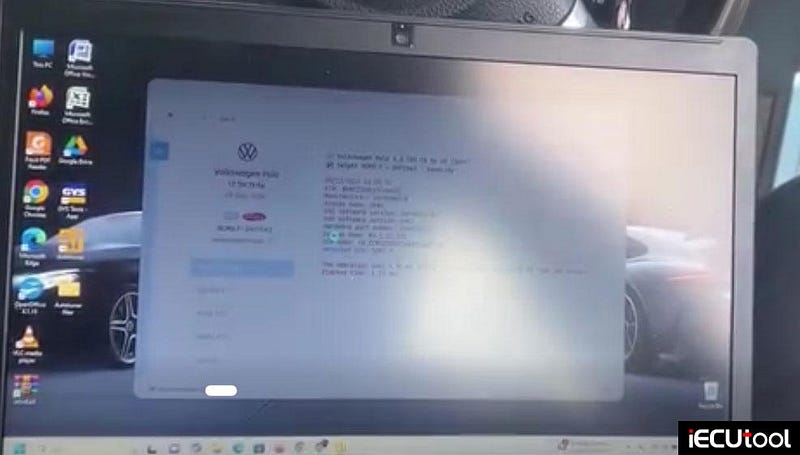
Solution:
Delete Autotuner, re-install software and try new USB cable.
Solving MMS Flex EDC17 ECU Bench Reading Issue
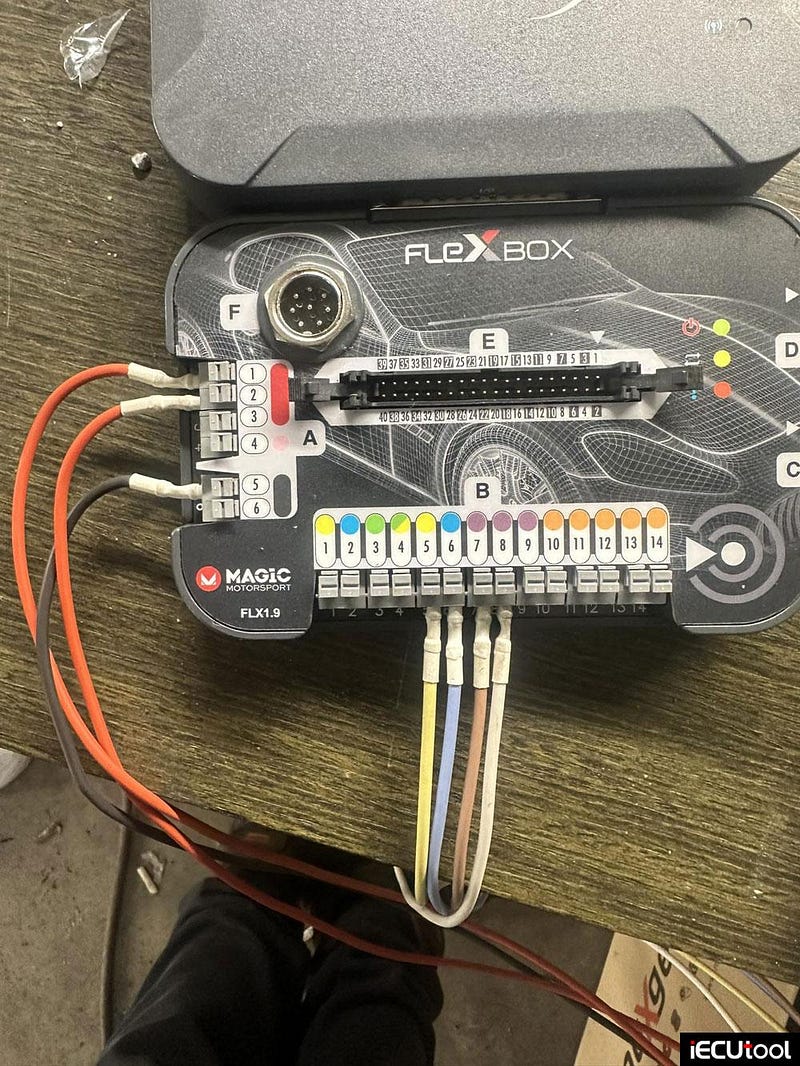
Problem: I couldn’t read EDC17c74 with Flex programmer on bench i had read that ecu one year ago no problem. or maybe my flex box is the problem?
Solution:
Check if wires are not broken. It may stop working when wires were broken.
EDC17 requires pin 4 in slot A as we can see in photo he have it on 2.
It’s user error, in pinout you can see it will tell you A-4 because A-4 is terminal 15 not like A123 that are terminal 30.
Move ignition pin 2 to pin 4.
Foxflash PCR2.1 Lost Connection and Boot Recovery Solution
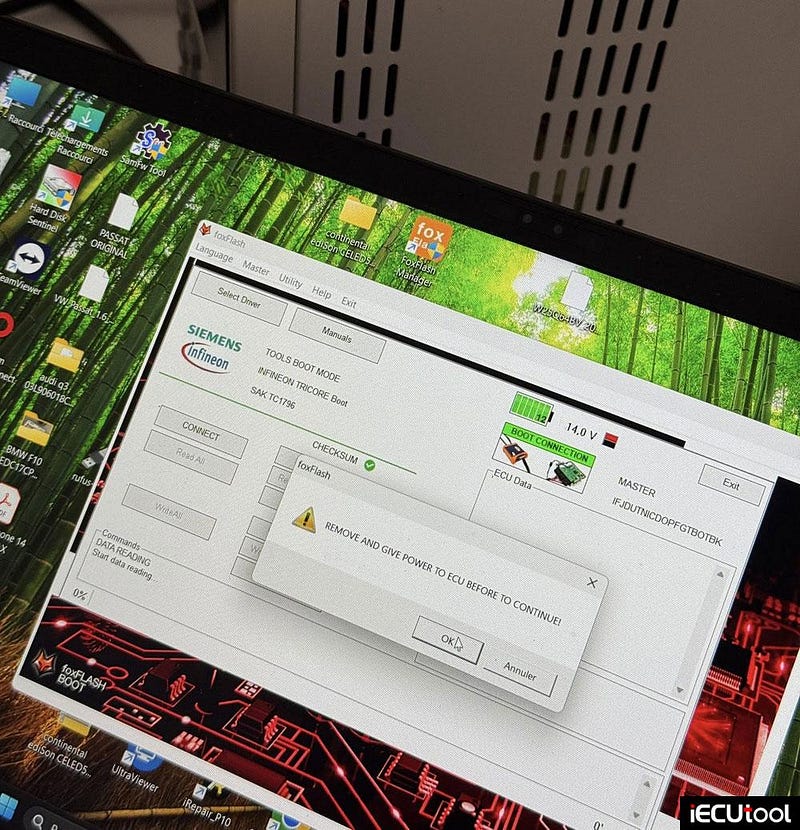
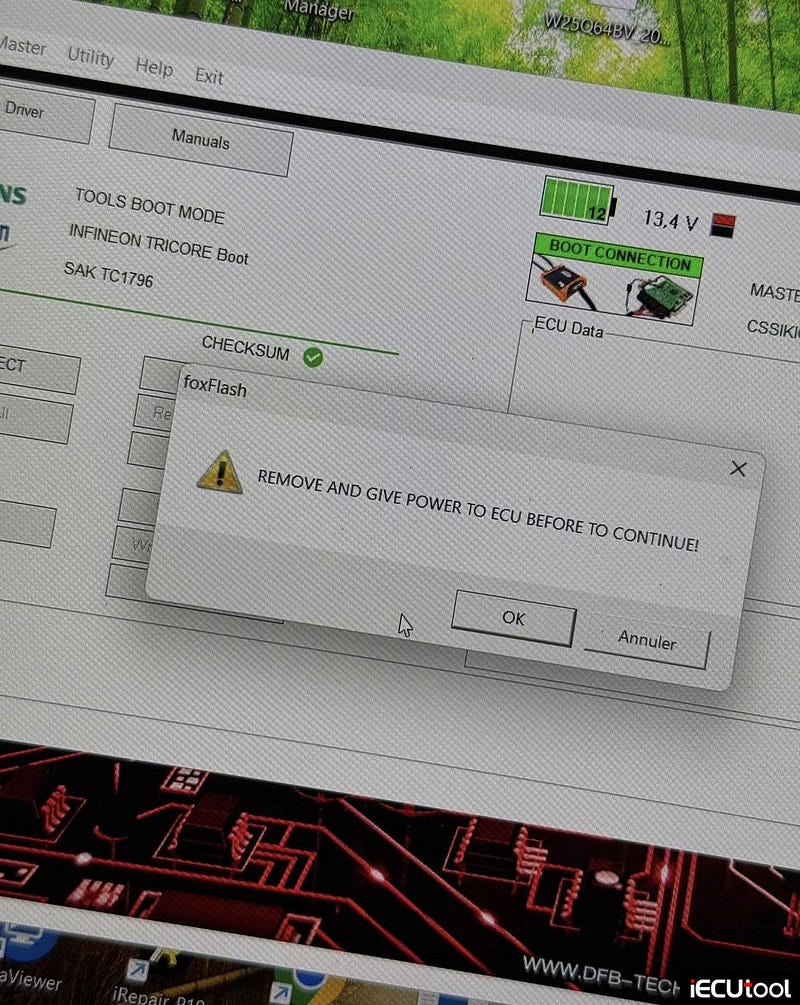
Problem: On ECU VAG Simos PCR2.1 I accidentally wrote wrong file with foxflash over bench. And now I lost communication with it. I made backup of eeprom and flash. Now I just try every method to write again flash. I tried with ktag boot mode but have acces only to eeprom. And with Fox Flash I have error REMOVE AND GIVE POWER. Does anyone know potential solution?
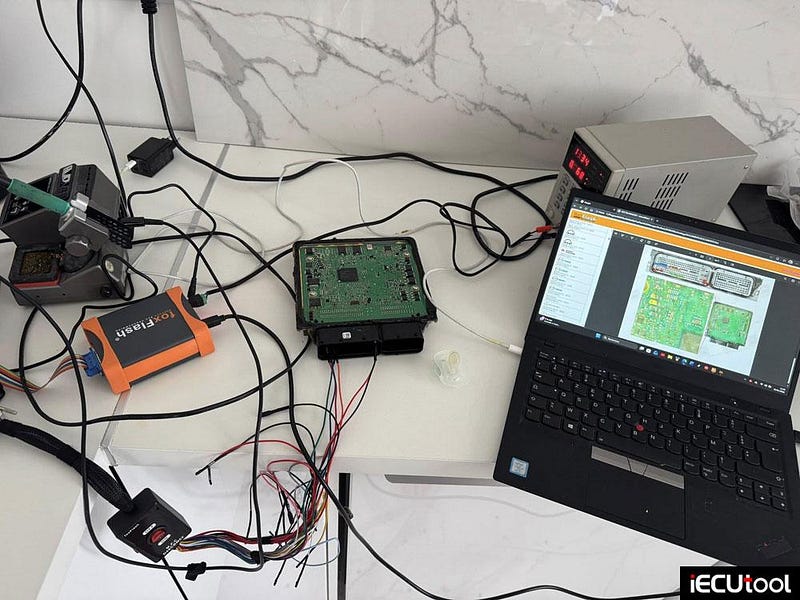
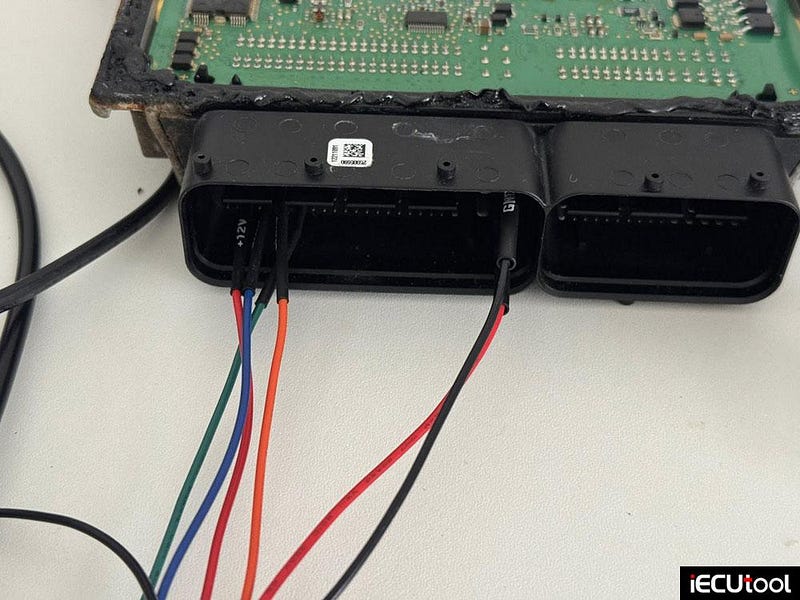
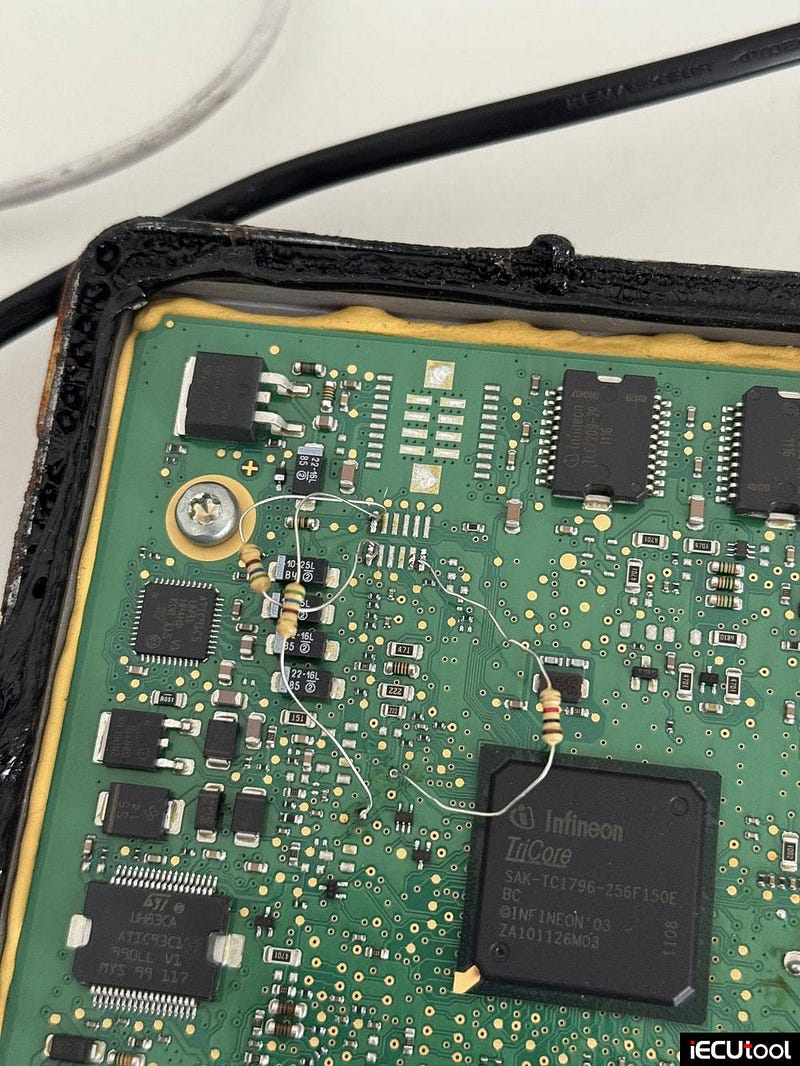
Possible solutions
1).
Try to turn on the power supply in a few seconds as he asks you to.
Some users turned the power on after a few seconds as he wanted and then it
started.
Also using foxflash make just set voltage to
14v, they will not communicate under 13.5v. ( see picture he
used 13.4v).
2). Try this and write the All file back.
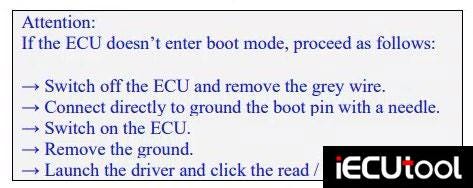
3). If tried all above and still cannot recover in boot mode, the ecu is bricked and will not live, look for a new one and turn off immo.
They don’t have to match you strictly by number, you can certainly preflea it with an odyssey that suits you. Lucky for you the PCR2.1 is old and you can find them cheap. So best to buy a new one with the same reference.
The most important thing is that if your car has a lower lock, you will find the same with the lower lock of the car. And when replacing that ecu cannot be cloned, but you have to adjust it, immo given and somewhere you have a variant and immo off.
4).
Buy new ecu. And flash original frf file with odis engineering on new ecu. Don’t need old read.
Resolving SilentKey Error on Ford S-Max DCM3.5 with Foxflash
Problem: It’s a Ford S-Max with Delphi DCM35 ECU. MPPS, KESS and Foxflash all read ID. But they all have problem reading flash. Kess showing wrong security code. Foxflash showing error SilentKey. The car has before made stage1 by someone else its possible he protected it from reading now or its obd impossible this ECU? I’ve read several 3.5 DCM readings in various Ford MPPS and KESS Fox models and never had a problem. What causes the silent key error?
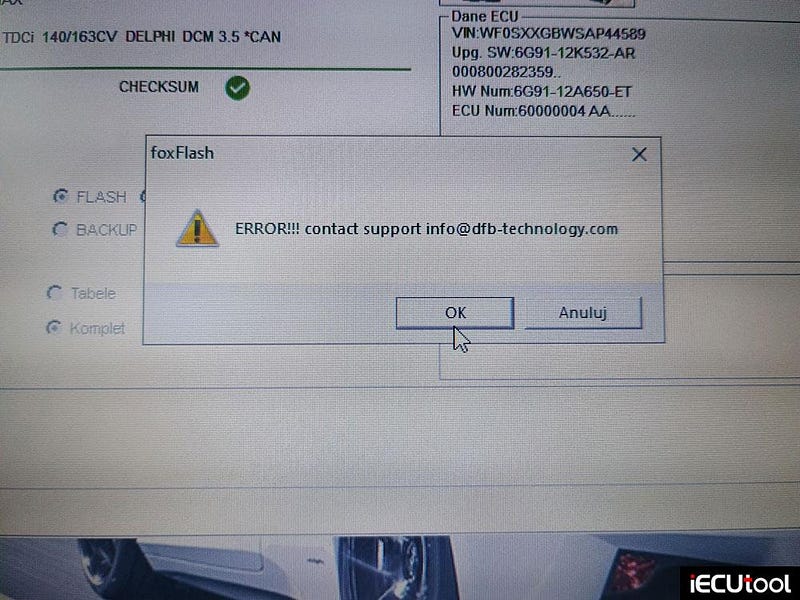
Possible reason and solution:
1). Ecu has been locked by a previous tuner. Load an original file and start from there.
2). Doing PCM update with Forscan beta or IDS. After that it will be ok.
3). I had the same problem. Write it with Autotuner, but failed, so i recovered it with MPPS, but with an other tool the security code changes automatically on OBD and Bench. So must go for BDM. It is blocked because it is writen with an other tool via OBD, you need the same tool which Stage1 was done or BDM it.4). Try to use clone PCMflash, I once encountered the same problem in FLEX and Dimsport, which was solved after using PCM.
How to Choose the Right Power Supply for Foxflash
POWERSUPPLY INFO!
Since this is asked quite a lot frequently when it comes
with foxflash programmer so the post here is about
this power supply issue.

Why?
Instability or undervoltage can cause programming
interruptions, corrupted reads/writes, or worse — bricking the ecu (so dont
underestimate this, you dont want extrabricked ecus because of your not
providing good voltage and amps ).
remember that undervoltage is the main reason why you will fail on some ecus,
not the tool itself. undervoltage can be fatal in some cases and that ecu is not
anymore recoverable.
ALSO keep in mind that overpowering ecu is just as bad
as undervoltage. you will end up killing the ecu , so play in area that is
considered safe 12v-14.5v say tops.
WHAT YOU ACTUALLY NEED FOR BENCH ECU WORK?
So when doing
bench programming of ECUs like MD1, the ECU needs a stable automotive-like 12 V
DC supply. It usually won’t get enough or stable power from a simple USB (no
way) adapter — you want a laboratory-grade or automotive bench power supply with
ADJUSTABLE output and enough current (amps) capability.
Most professional bench setups use good quality regulated DC supply set around 12–14.5 V (we emulate healthy engine on idle or good battery+alternator combo) and enough amps to have some headroom when ecu powerside "spikes" during reads/writes.
Say a Typical automotive ECUs consume in the range of about 500 mA to
2 A within during normal operation.
Remember that certain ecus
internal operations (e.g., CAN transceivers, bench communication hardware, boot
loader initialization) can cause current spikes, so ensure enough headroom on
your currentside (amps).
So What kind of power supply to go for, too many
options?
Laboratory grade fully adjustable and regulated &
controlled even source of voltage & amps.
Stability & Protection
Prefer regulated supplies with
short-circuit protection, current limiting, and low ripple
(important).
Linear power supplies provide cleaner power, but quality
switched-mode supplies (bench lab units) can work well if stable and good
quality.
adjustable in range of say 0–30volts and 5+ amps is needed (prefer
10A so you have some headroom in your settings). So when doing older ecus you
can safely set TOPRANGE in current to 5A, on newer ecus i would say 8A topend,
remember its just the ecu were powering here NOT the entire car.
POLARITY MATTERS!!
do NOT connect power source +
and — wrong way, you will end up murdering your ecu. So start with checking
polarity first and then the datalines can high low, kline (on older) and gpt
(emulated cranckshaft signal. with all the rest you can play around in (meaning
datalines) BUT dont mess around with powerside, thats considered a BAD idea.
I got my bench power supply now, where to aim?
Set Voltage First: Adjust
your supply to ~13.5 V DC before connecting to the ECU.
Current Limit: Start
with a safe limit (e.g., 5 A), and only raise if your bench setup (cables,
adapters) demands more NOT BEFORE!!
Stable Wiring: Use a quality bench
harness or distribution box so the ECU sees steady power.
Monitor: If your
supply has a display, watch for sudden voltage dips during programming — those
can interrupt flash reads/writes. so eyeball displays during write/read, if it
needs more you can see that.
Whatkind of power/current range used on what
ecus?
EDC15
Idle / powered 0.15–0.40 A
Read
0.25–0.60 A
Write / flash 0.40–0.90 A
Short peaks/spikes ~1.0–1.5
A
—
EDC16
Power-up / idle 0.4–0.7
A
Read (OTB or bench) 0.6–1.0 A
Write / flash 0.9–1.8 A
Short
peaks/spikes ~2.0–2.5 A
—
EDC17
Power-up / idle
0.6–1.0 A
Read (bench / boot) 0.8–1.3 A
Write / flash 1.2–2.5 A
Short
peaks ~3.0 , A sometimes 3.5A
—
MED17
Power-up /
idle 0.5–0.9 A
Read (OTB / bench) 0.7–1.2 A
Write / flash 1.0–2.2
A
Short peaks/spiking ~2.5–3.0
A
—
MD1/MG1
Operating StateTypical
Current
Power-up / Idle 0.3–0.6 A
Read (bench) 0.6–1.0 A
Write / Flash
0.8–1.5 A
Short Peaks Up to ~2.0 A
NOTE! These ecus spike a lot during
read/writecycles.
Credit to STG file tuning.