CG FC200 Guide to Porsche SDI6 SDI7 CS PIN Reading
As titled, iecutool.eu here will show how to read Porsche SDI6/SDI7 engine ECU CS and PIN code using CG FC200 programmer.
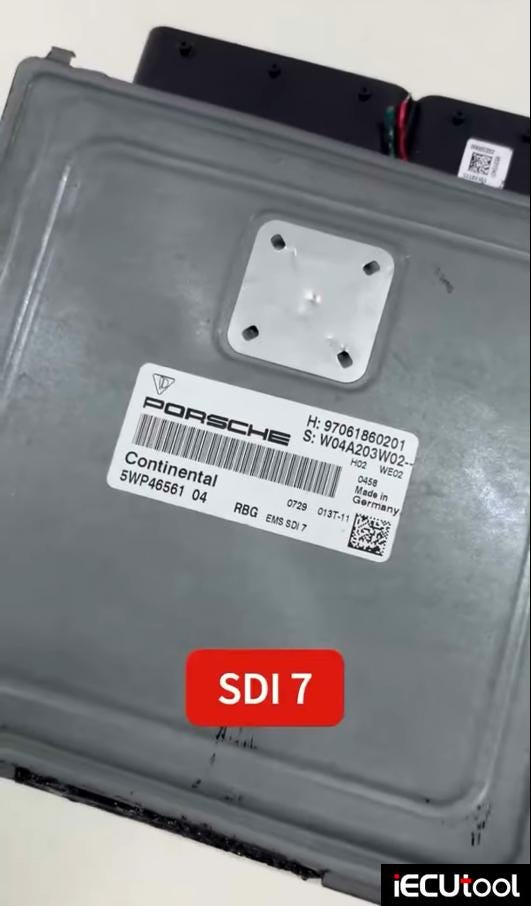
In FC200 software, select Porsche SDI7 ECU.
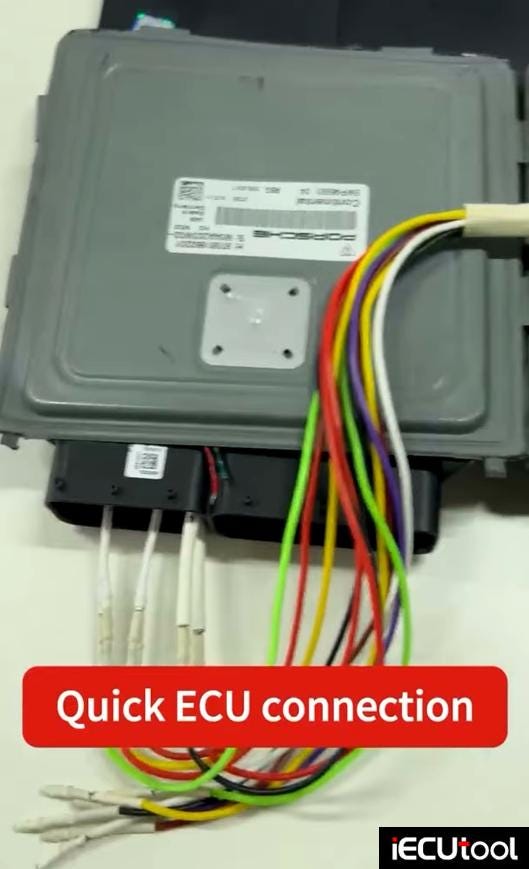
Check bench wiring diagram.
Connect ECU with FC200 follow the diagram.

Read and save ExtEEPROM and Pflash data.
Select decrypt immo data.
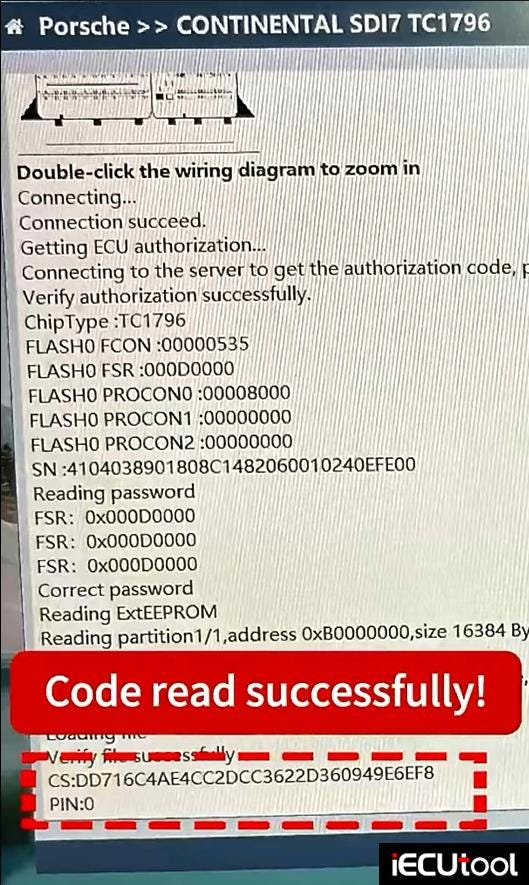
Then load ExtEEPROM and chip ID data to retrieve CS and PIN code.

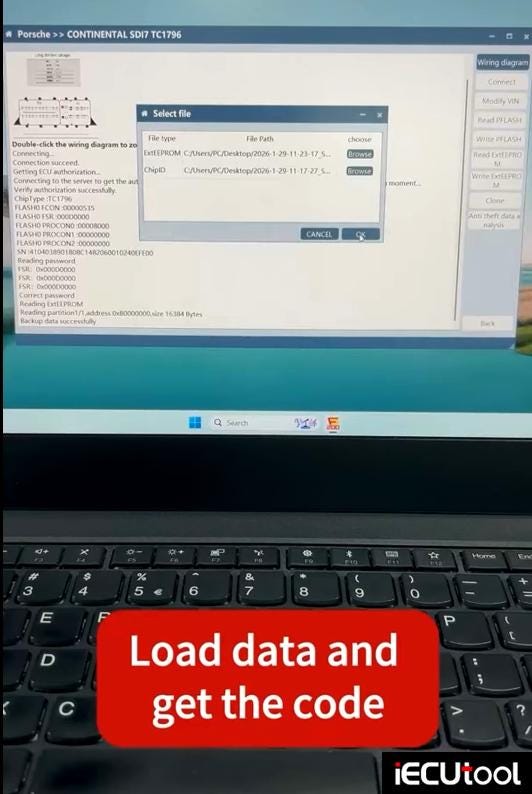
Read CS and PIN successfully.
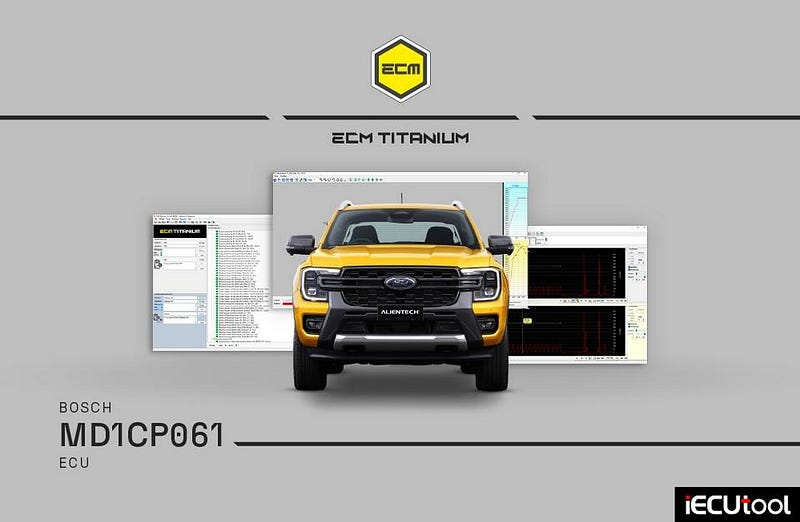
ECM Titanium MD1CP061 Update for Ford Ranger and Amarok
Alientech ECM Titanium released new driver update- Bosch MD1CP061 for Ford Tanger, Volkswagen Amarok and more.
Targeted control for modern high-performance diesel pickup trucks with ECM Titanium.
- Dedicated calibration for Bosch MD1CP061 ECUs on latest-generation commercial vehicles.
- Advanced management of EGR hysteresis, torque monitoring DTCs, speed limiters and idle speed.
- Ideal for performance optimization, fuel efficiency and customized vehicle setups.
- Full access to maps in table, 2D and 3D view for precise and reliable calibrations.
05.02.2026
Ford Ranger and Volkswagen Amarok are now a benchmark in the advanced work vehicle segment: robust, powerful, and increasingly used for intensive professional applications. With the latest-generation diesel engines managed by the Bosch MD1CP061 ECU, they represent an ideal platform for targeted performance and efficiency optimization.
Thanks to the ECM Titanium driver update dedicated to this control unit, you now have access to even more complete management of the main engine parameters, designed to simplify workshop operations and deliver precise, reliable calibrations.
ECUs targeted by this development
Bosch MD1CP061
Why does this update make a difference?
The new features allow advanced tuning with full control over:
- EGR HYSTERESIS
- DTC MANAGEMENT (TORQUE MONITORING)
- SPEED LIMITERS
- IDLE SPEED
EGR hysteresis: All EGR hysteresis maps are now available, enabling effective management of exhaust gas recirculation strategies.
DTC management (torque monitoring): DTCs dedicated to disabling torque monitoring are also included. A major operational advantage compared to other drivers, where interventions are usually limited to setting mg/stk maps to zero.
Speed limiters: With the new update, it is now possible to directly modify maximum speed limiters, allowing customized configurations based on vehicle use.
Idle speed: Idle speed control maps have been added, useful both for specific applications and for improving comfort and fuel efficiency.
The main structure of the new Driver
Preview the macro areas of the Driver where the update has been
applied:
Bosch MD1CP061
- Deactivations
- Torque
- Injection
- Limiters (RPM, Speed)
- Turbo
- Rail
Flex vs KESS3: Reading Renault SID321 ECU
Renault Continental SID321 reading review:
MMS Flex failed to read SID321 via OBD VR. It
says no Virtual read available for this software version on the server.
Cannot do it on bench when no vr on server.
Did it with Alientech KESS3.
Autotuner will also do this ECU. AT is the best in this ecu.

Alientech KESS3 Update GM ACDelco E84 ECM on Bench Mode
Alientech KESS3 developped bench protocol for AC Delco E84- GM compact platforms.
Expand your workshop operations with this new development providing direct ECU access — simplifying procedures on compact vehicles and improving workflow efficiency.
- Read and write on AC Delco E84 in BENCH mode
- Direct ECU access for faster and safer operations
- Optimized control on GM 1.0, 1.4 EcoTec and 1.8 Flex engines from 2016+
04.02.2026 — Upgrade 2.86
With the introduction of BENCH mode on the E84 control units — previously manageable only via OBD — you now have direct access to the ECU, simplifying workshop operations on compact vehicles widely distributed across the global market.
Designed for 1.0, 1.4 EcoTec and 1.8 Flex engines from 2016 onwards, this release concretely expands operational possibilities on urban and compact cars.
An update that improves operational safety and workflow continuity, reducing intervention times and increasing procedure reliability.
Technical focus
Connection: BENCH
ECU: AC Delco E84
Production years:
from 2016
Brands involved: Chevrolet, Holden, Opel
Supported vehicles ECU
Chevrolet Beat, Onix, Prisma, Spark, Spin
Holden Spark
Opel
Karl

Flex ECU Programmer Works on Honda EDC16C7
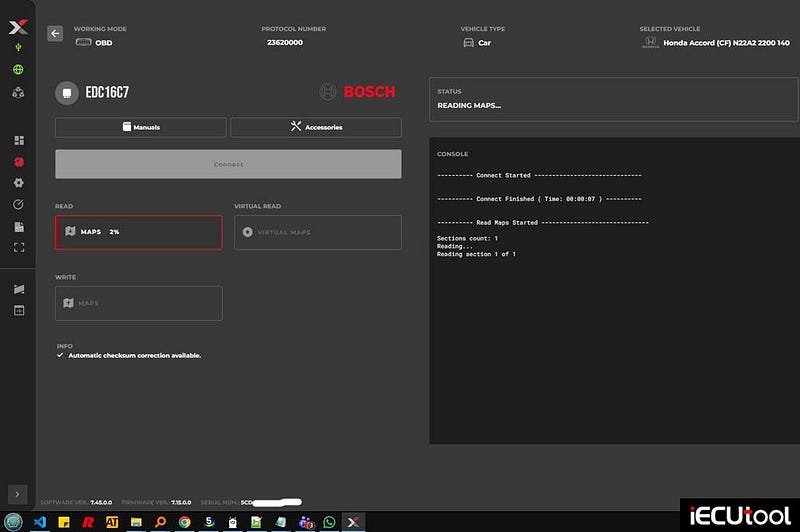
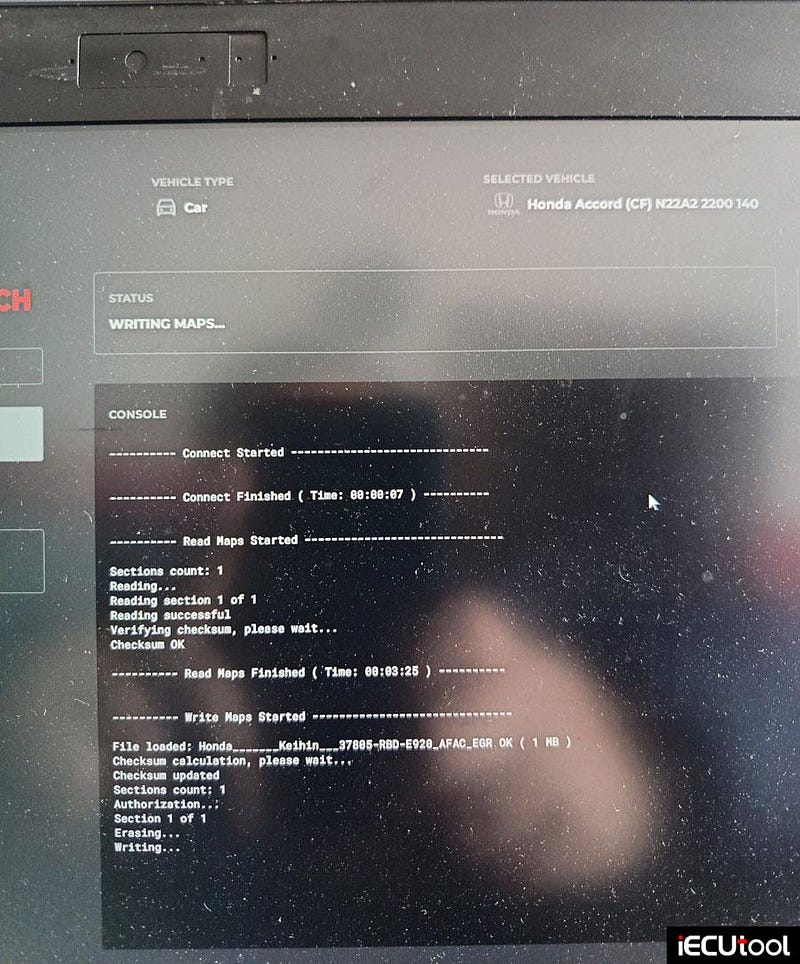
Tried to read and write Honda Accord Bosch EDC16C7 ECU with Magic Motorsport Flex ecu programmer.
Doing CONNECT shows no ID information.
But read and write went fine.
AutoTuner failed to ID it also. So no read process started. So FLEX failed or didn’t showed up an ID but carried out reading and writing.
This is just curiosity about the protocol acting like this.
Not worried at all, it would recover with any other of my tools in the box.
Always recommend Kess3 on these old ECUs.