Flex Unlock Function Add MAN Bosch MD1CE100
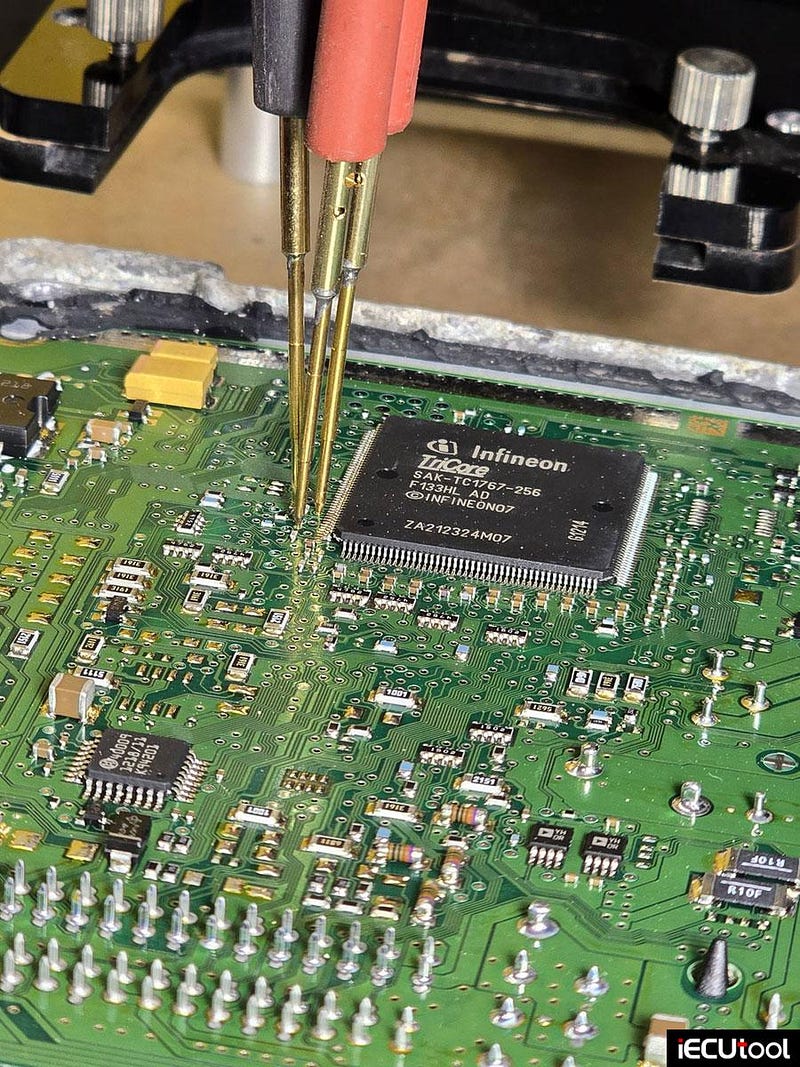
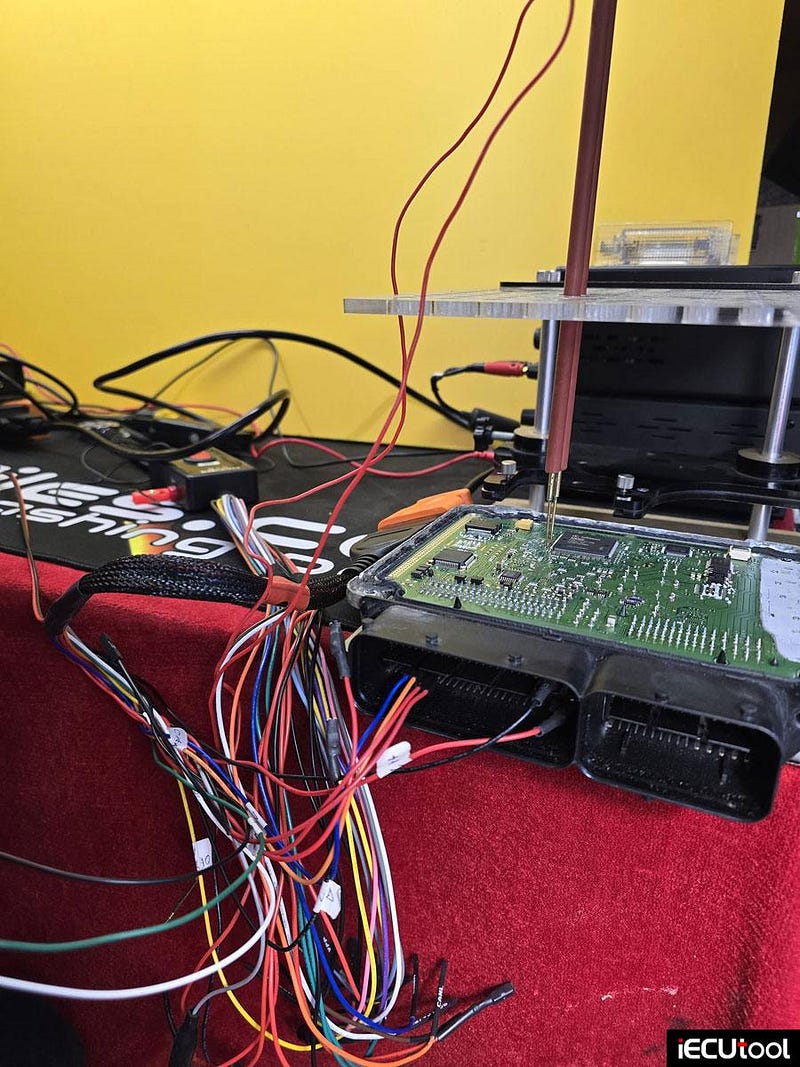
Magic Motorsport Flex update MAN truck Bosch MD1CE100 TC299 boot glitch unlocking without RFT in July 2026.
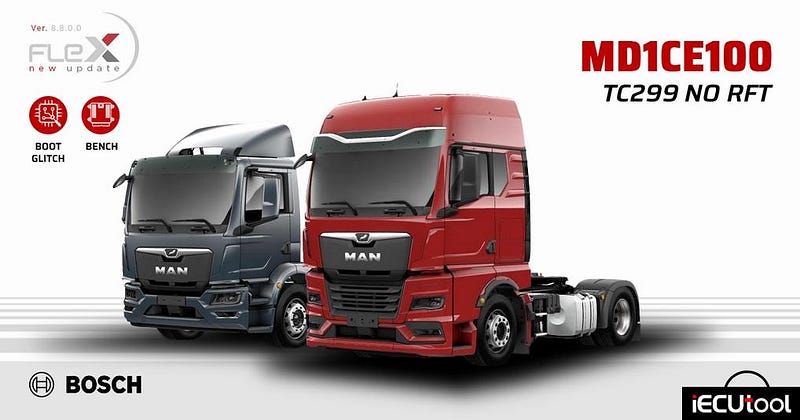
Version 8.8.0.0 of Flex Out Now
A new solution dedicated to industrial vehicles now enters the world of units supported by Flex. Version 8.8.0.0 introduces support for new generation Bosch MAN MD1CE100 ECUs.
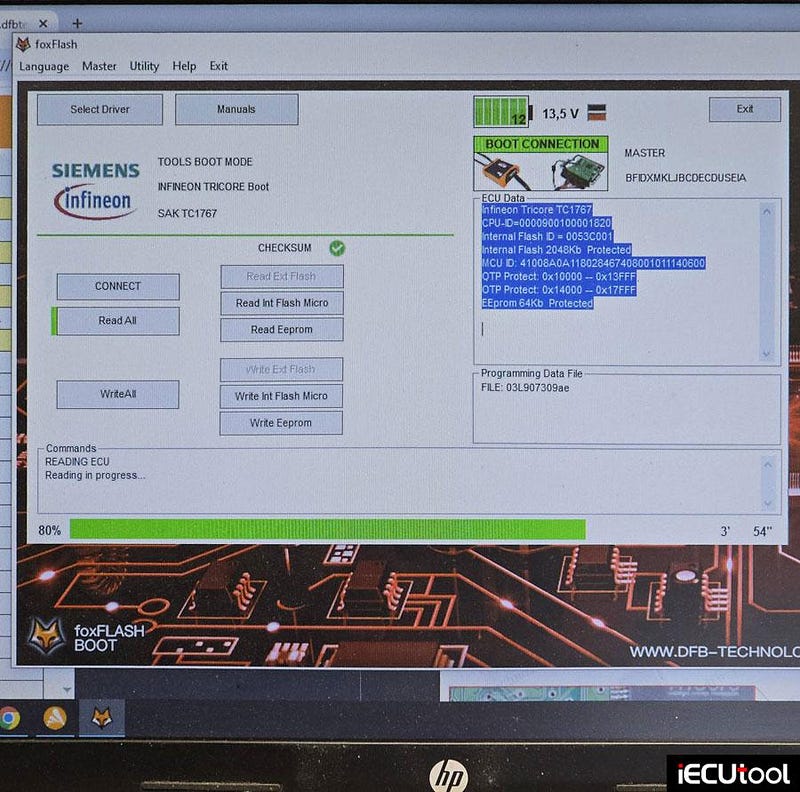
One can operate on the unit independently via Boot Glitch mode and then unlock it to program it in Bench, thus obviating the need to use the RFT service and reducing working times.
This new support is available for all customers with a Flex Full Master (FLS0.5M) or Flex Full Slave (FLS0.5S) license.
Key insights
MAN Bosch MD1CE100 TC299
Working Mode: Boot Glitch — Bench
Memories: Read/Write/Checksum Internal Flash, Read/Write Internal EEPROM, Full Backup, Boot Unlock
Licenses: FLS0.5M/S
Connect/Glitch Time: From 10 seconds to 25 minutes (variable)
Reading Time: ~ 2 minutes and 30 seconds
Writing Time: ~ 2 minutes
Some of the supported vehicles
Man Trucks TGL (III) (2021MY) 4.6L Turbo 16v [D0834] 217HP
Man Trucks TGM (II) (2020MY) 6.9L Turbo 24v [D0836] 246HP
Man Trucks TGX (IV) (2021MY) 12.4L Turbo 24v [D2676] 424HP
Man Trucks TGX (IV) (2021MY) 15.2L Turbo 24v [D3876] 532HP
Man Trucks TGX (IV) (2021MY) 15.2L Turbo 24v [D3876 ] 632HP
FormulaFlash V1.1.9.0 Add Ford SID211 SID212 Bench Protocols
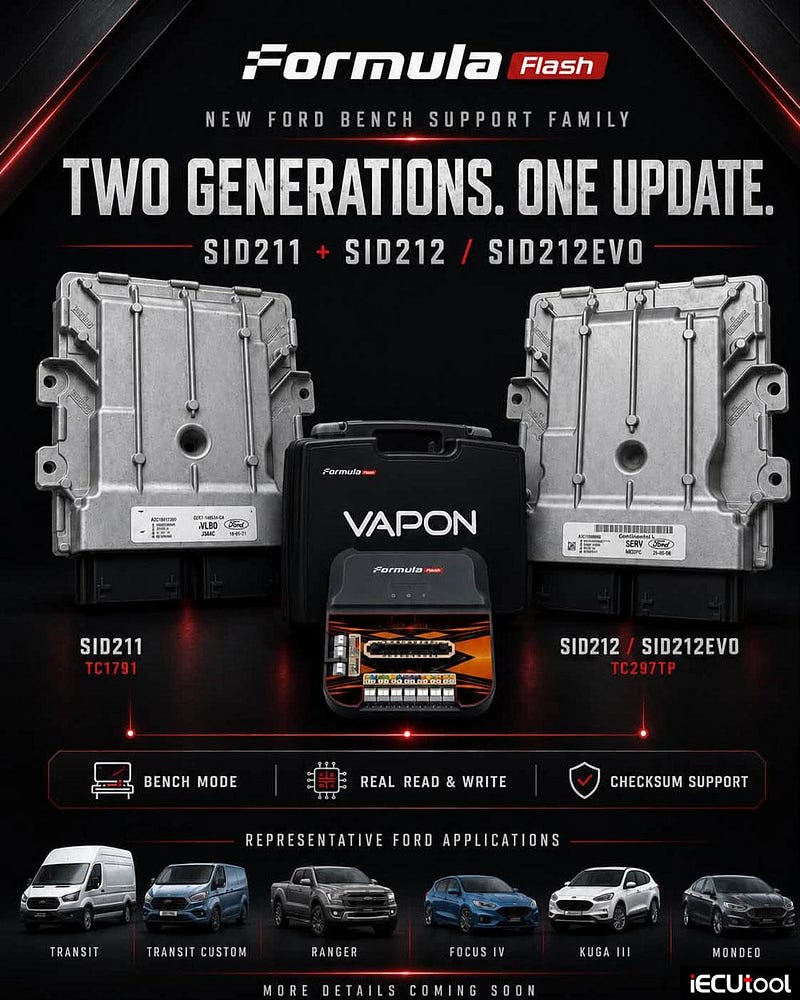
FormulaFlash ecu programmer new bench protocol is coming: Ford Continental SID211, SID212 & SID212EVo.
FormulaFlash Update
v1.1.9.0
Release Date: 31.07.2026
What’s New?
- New Bench Mode support for Ford SID211/ SID212 / SID212EVO (TC297TP) ECUs
- Real Read & Write
- Checksum Support
Present for years on numerous diesel applications, including SID211, SID212 ECUs represent one of the most requested solutions among workshops specialised in calibration and electronic programming.
Technical focus
- Connection: BENCH
- ECU: Continental SID212/SID211
- Production years: from 2017
- Brands involved: Ford
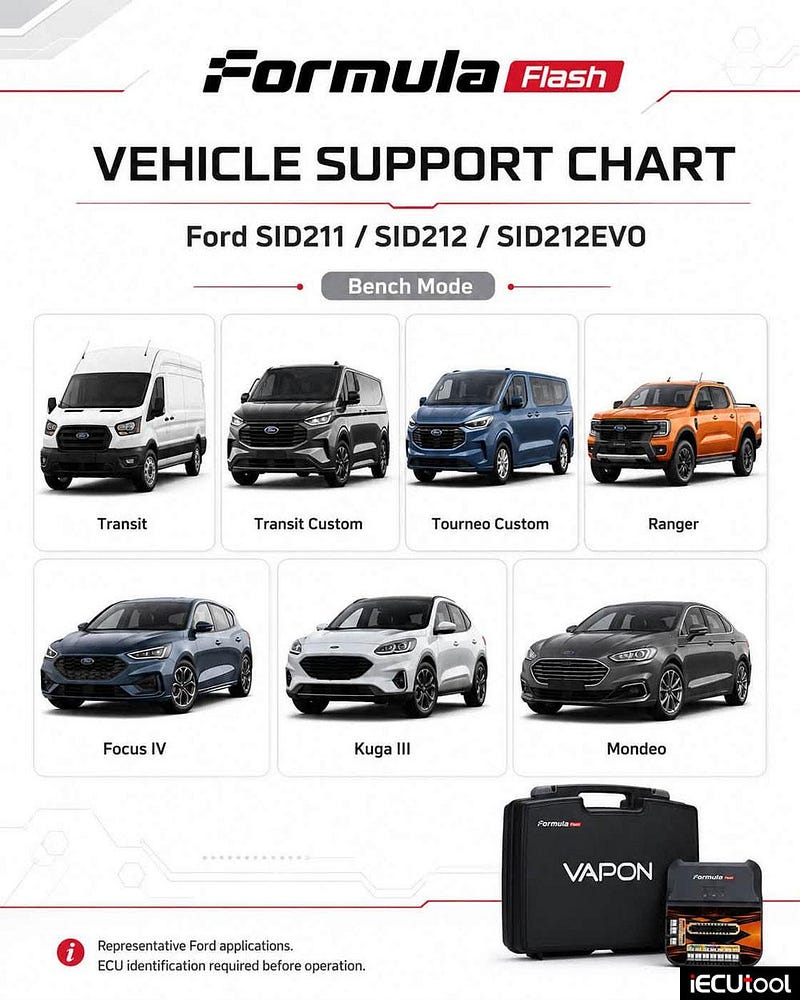
Supported vehicle list:
- Transit
- Transit Custom
- Ranger
- Focus IV
- Kuga III
- Tourneo
- Mondeo
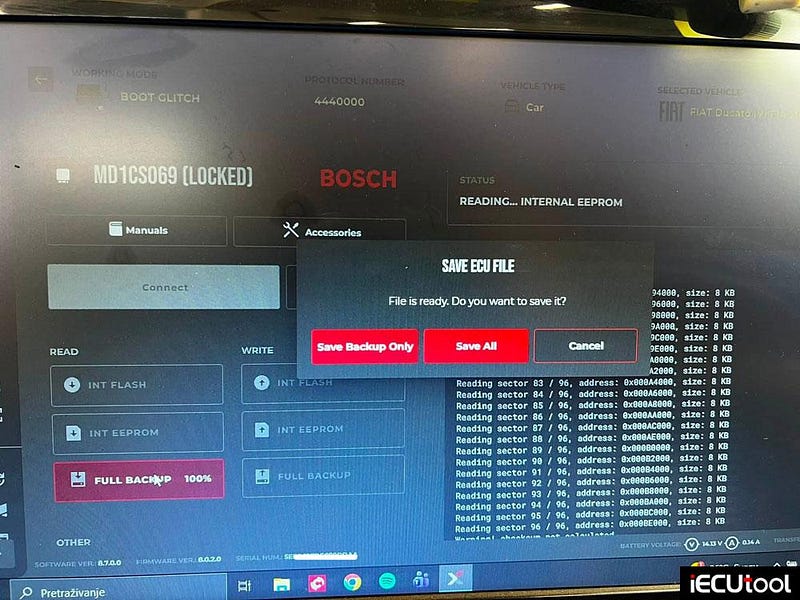
Flex Boot Glitch Unlock Fiat Ducato MD1CS069 ECU
Magic Motorsport Flex boot glitch unlock new user
report:
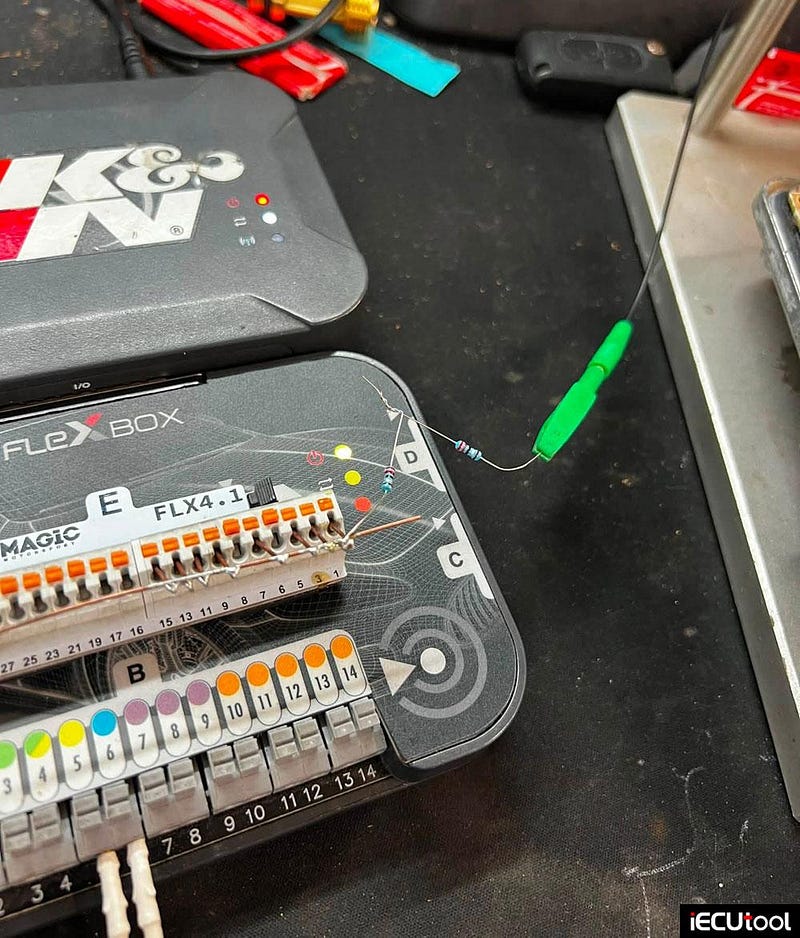
"Fiat Ducato Bosch MD1CS069 locked ECU.
Md1cs069 working with
two resistors 2.2 in serial.
or take 10 resistors with
0R5.
A lot of people wrote that they can’t successfully connect the md1cs069 and there is no concrete answer why it doesn’t work, that’s why I made this post to work on 4.4 ohms as well as 3.3 and 5 ohms, I had 2.2 ohms from the airbag, most electronics guys have them so it can be done like that.
I did an unlock in the boot glitch and later read and wrote in the bench."
Autotuner New Function: Read Ford Ranger MD1CP062 ECU
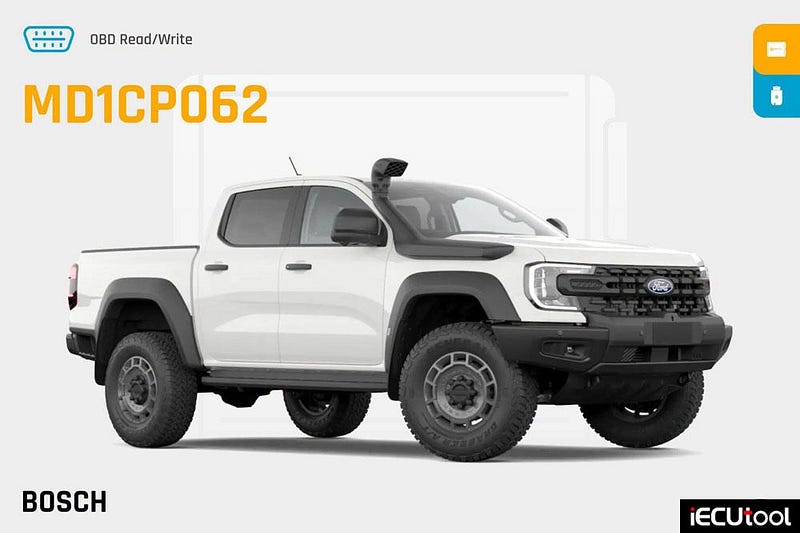
Ford Ranger Super Duty (MD1CP062): Live via OBD on the
Autotuner tool!
The coverage of our Ford MD1CP062 protocol
is expanding on your AutoTuner Tool & on the One ! The king of
heavy towing is joining the compatibility list.
Tune the massive torque of the new Ford Ranger Super Duty equipped with the mighty 3.0 V6 Ecoblue engine. A fast, simple, and ultra-reliable solution directly through the diagnostic port!
Update your tools today and unlock the full potential of this extreme pick-up truck.
Key Features:
Type: Engine Control Unit (ECU)
Mode:
OBD NR
Readout: Software + Calibration
MCU: TC389
Read time:
7min
Write time: 3min 30sec
Checksums correction
Compatibility List*:
Ford Model: Ranger Super
Duty
Ford Engine: 3.0 V6 Ecoblue
*The list may evolve over time.
For our customers in the USA and Canada, this update expands an already
massive lineup of supported Ford ECUs, and offers a way to tune that feels a
little more American in spirit.
Keep more of what you earn on every flash
instead of paying for expensive flashing devices, credits and recurring fees.
You also retain the freedom to work with a standard, unencrypted binary.
More
coverage, more control and lower costs for both tuners and their
customers.
How to Clone Passat B7 EDC17C46 with Foxflash
Here is the real user’s working experience on VW Passat B7 EDC16CP46 ECU cloning using foxflash:
It’s a VW Passat B7 2013 CFFB with Bosch EDC17C46 ECU.
The ecu was broken,
car didn’ t start, reading on bench was not working.
The car wouldn’t start, some water had gotten into the ecu through the plastic plug. The car could be diagnosed on the ecu but there was no error. I tried to read the ecu in the bench but every time it told me to disconnect and reconnect the power and nothing happened. I had another ecu with the same part number from a Passat CC, so I backed it up in the bench. I saw that the one from the car didn’t work in the bench and I tried in boot mode, where initially it didn’t read it, it had to be read the password, I read in the obd mode the password, obd cable connected to the bench, save password on the pc, then I read the ecu for backup in boot mode. I used the cloning module in foxflash where I added the file read in boot from the defective ecu and the file read in the bench from the functional new used ecu. I wrote the generated flash file on the new used ecu, that was all, the car started. Checksum was done in writing the foxflash.
How to clone:
– boot mode: error unlocking password
read
– foxflash in obd mode read and saved the password
For obd pasword read with ecu on the bench, you must connect 2 red + 12 volt
wires instead of green wires and disconnect cnf and boot pins. After save the
password the 2 red wires must changed back with 2 green wires, connect CNF and
boot pins for boot mode read.
– now boot mode read and write works
For boot mode you must connect 2 green wires, kline/ignition, CNF and boot
pins.
– ecu cloned with foxflash cloning tool
Images attached: