How to Perform Hyundai ME17.19.21.1 IMMO OFF with FormulaFlash
FormulaFlash programmer supports IMMO OFF functions for Korean Kia Hyundai ME17.9.21.1 ECU in the device without 3rd party software/devices.

Quick search for ME17.9.21.1 ECU. Available on bench and boot mode.
Choose bench mode connection.


There are 4 versions of bench pinouts for this ECU.

Select one that matches your ECU.
Set up bench connection according to the diagram.


Connect ECU.
Read and save eeprom & flash data.

Click IMMO Off function.
It will save flash
again.
Then do IMMO OFF.

Click Yes to correct checksum.

Then process data.
Write data successfully.
It’s done.


Install ECU back to car.
FormulaFlash O2 Off Function for ME7.8.8 ECU
How to perform ME7.8.8 ECU O2 OFF for Chinese cars ChangAn, Geely, Changecheng etc using FormulaFlash programmer?
O2 OFF:
"O2 off" generally means the oxygen sensor has been deliberately turned off, or the computer is detecting that it’s not working properly. This can happen in two very different ways: through a custom engine tune, or because of a mechanical/electrical failure.
1. Connect ECU
Run Formulaflash software.
Quick search ME7.8.8 ECU.
Check wiring diagram.
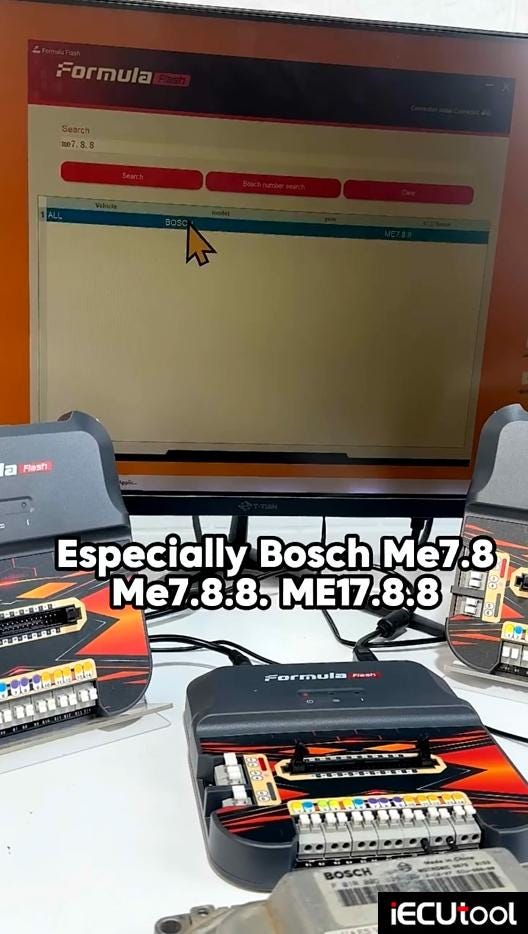
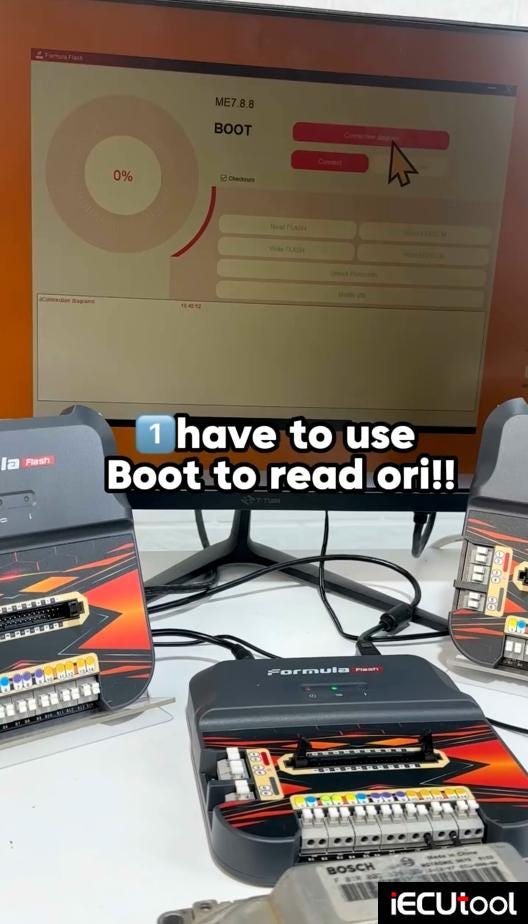
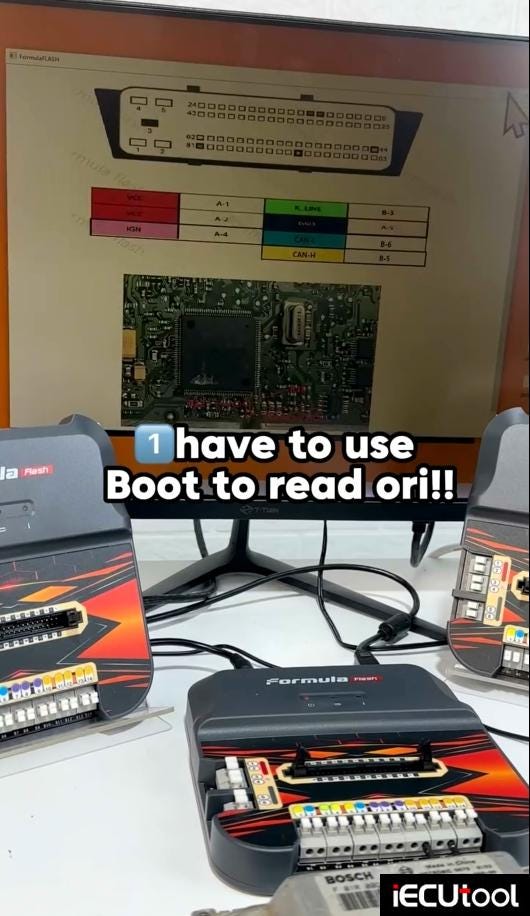
Set up boot connection according to the diagram.
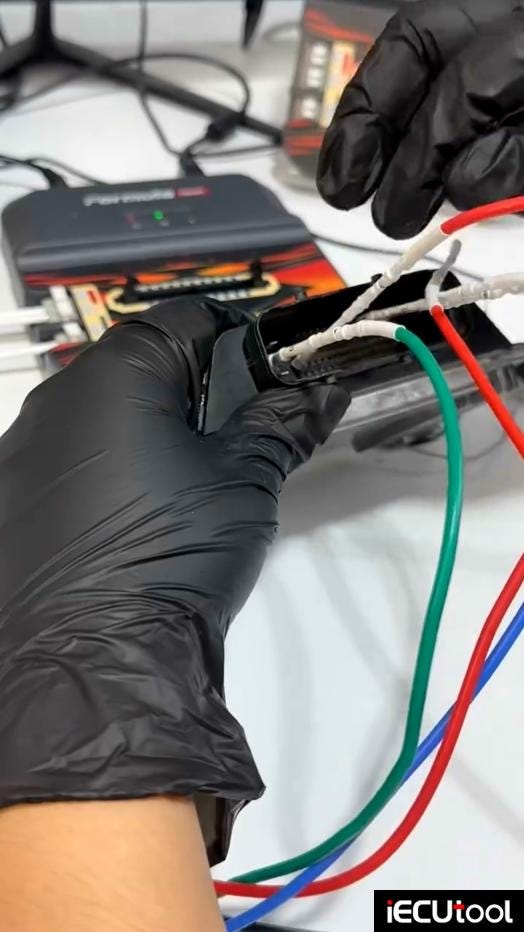
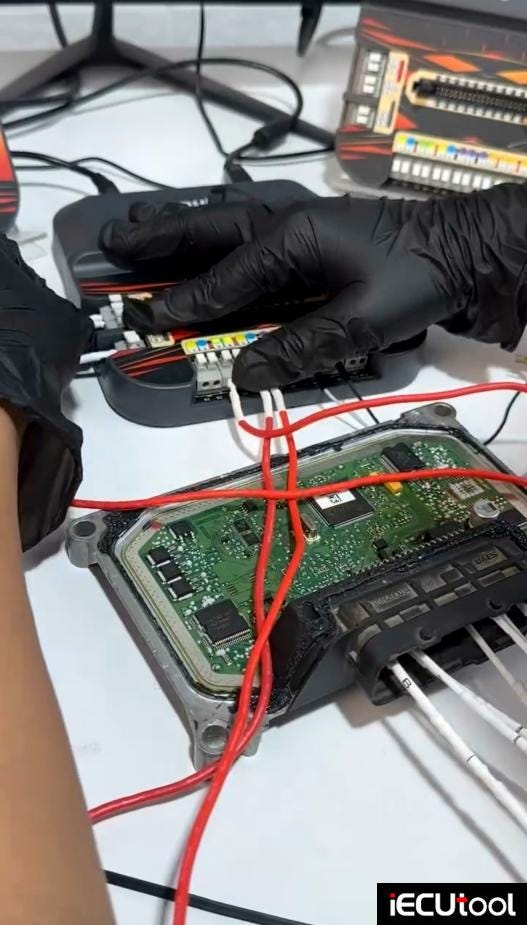
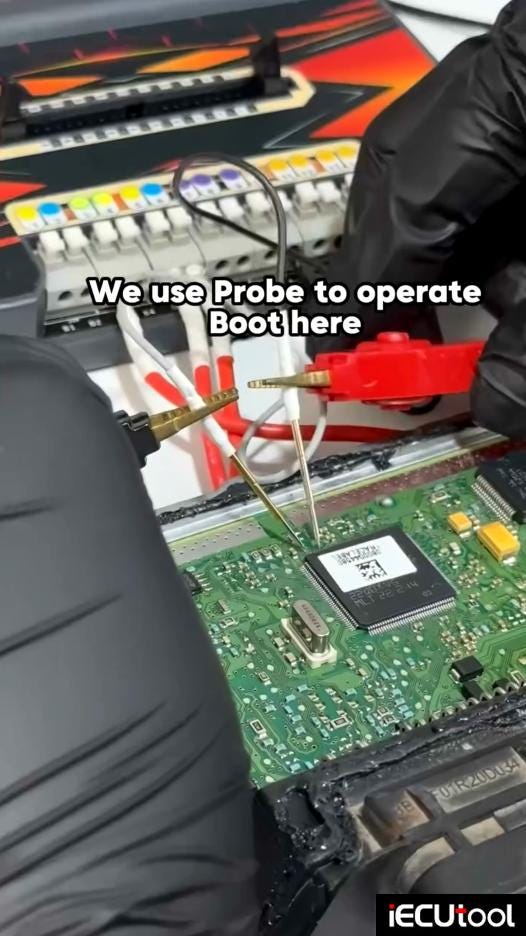
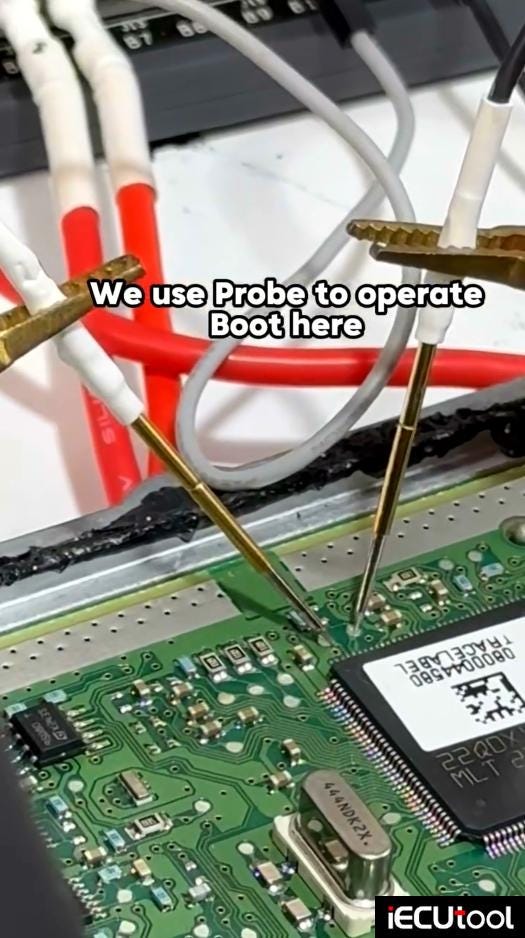
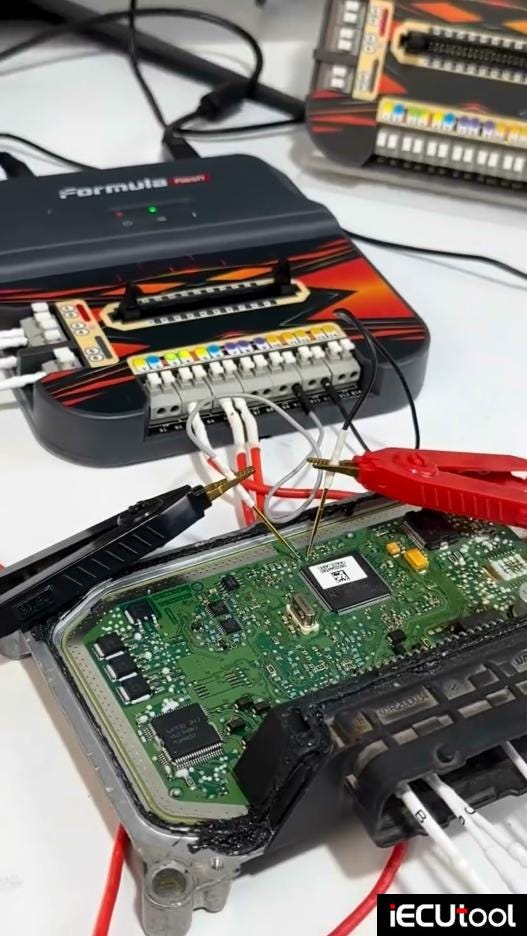
2.Read ECU
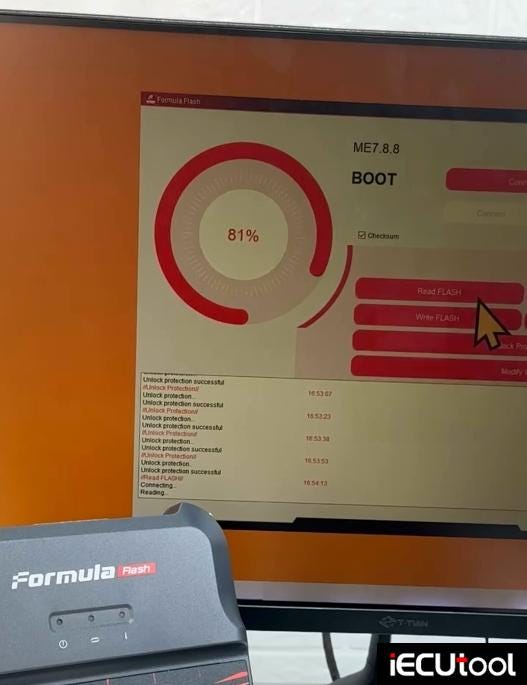
Hit Connect and unlock protection 5 times at least 15s between each attempt.
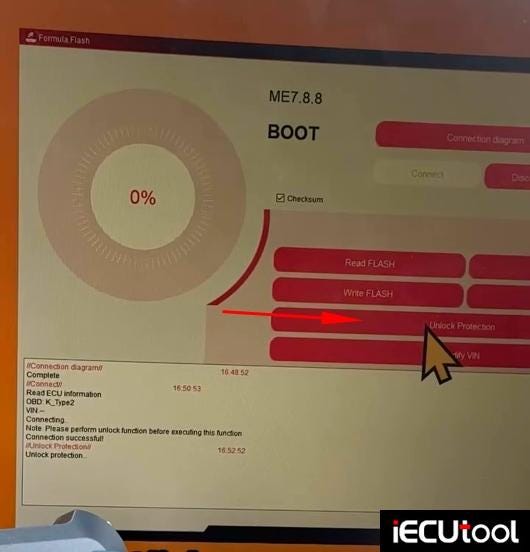
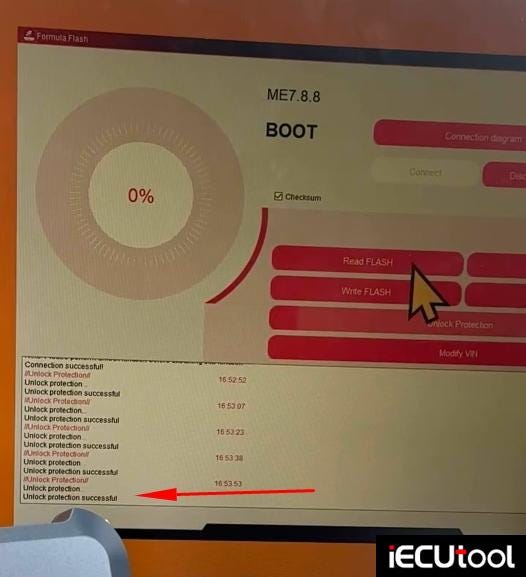
Read and save eeprom & flash after unlocking.
3. Process Data
Visit FormulaFlash data processing user center.
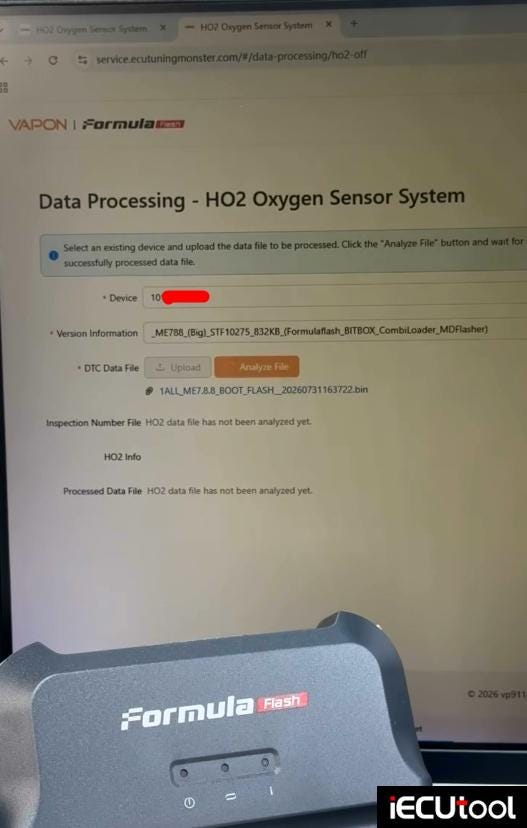
Go to user center. Upload original data to do O2 off or DTC off etc.
Select Data Processing- HO2 Oxygen Sensor System.
Input device S/N,
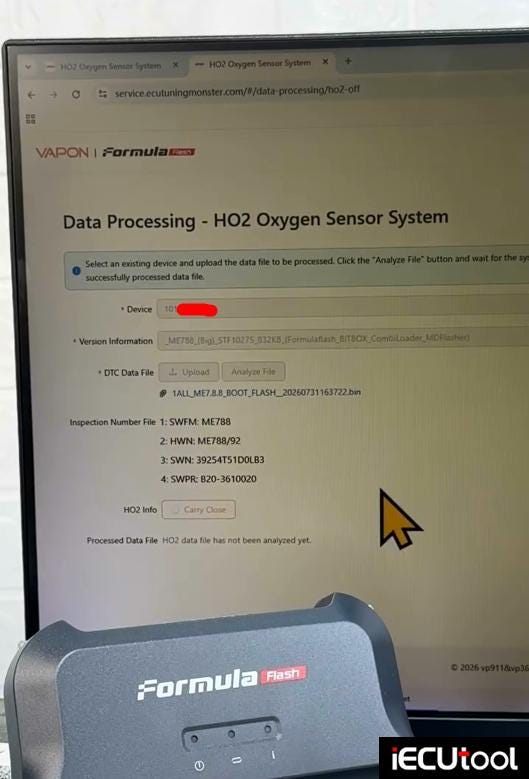
Vehicle info, upload original DTC data/HO2 data to process data.
Hit Carry
Close.
Copy link to paste in a new page, it will download the modified data
automatically.
4.Write ECU
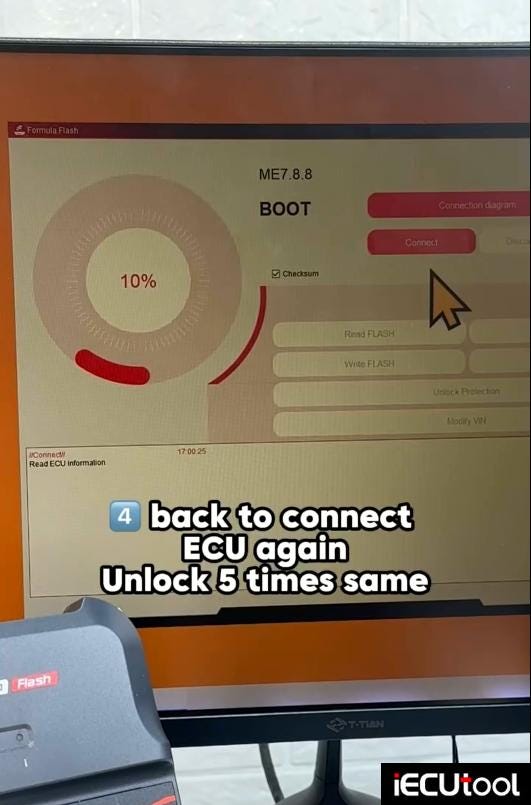
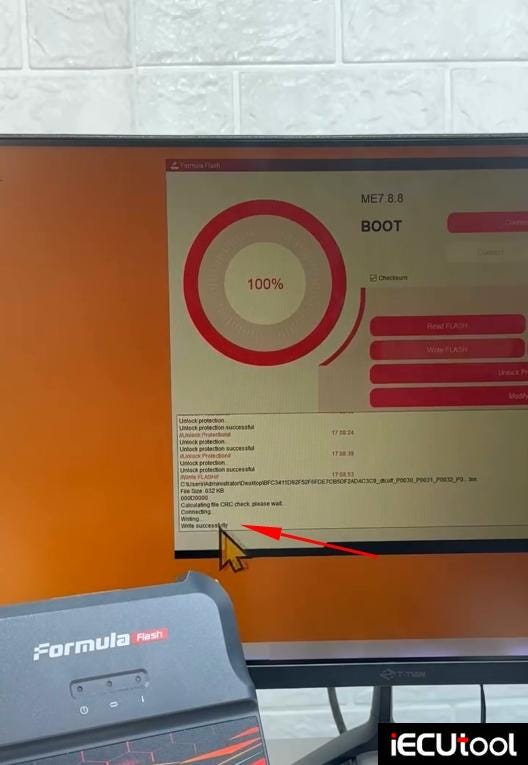
Back to connect ECU again. Unlock protection for 5 times.
Then write the modified data with Formulaflash software.
How to Fix CG FC200 Authorization Code Error
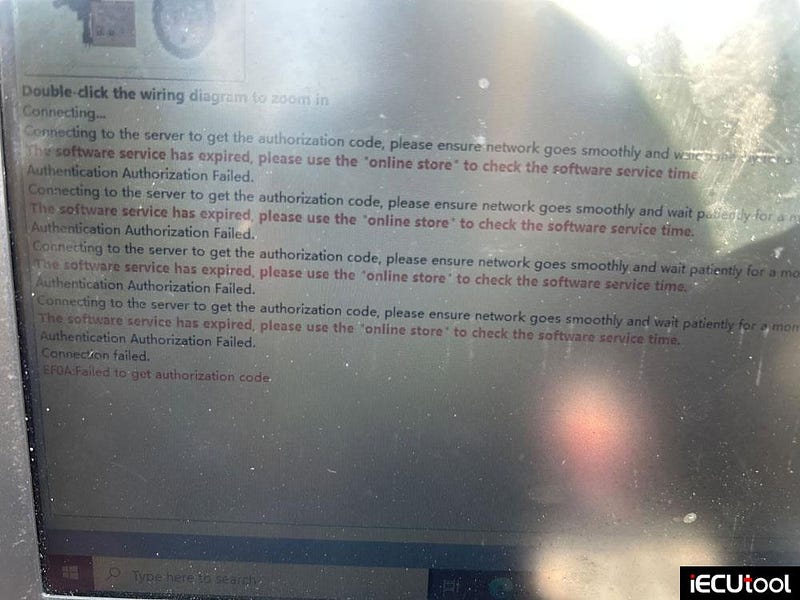
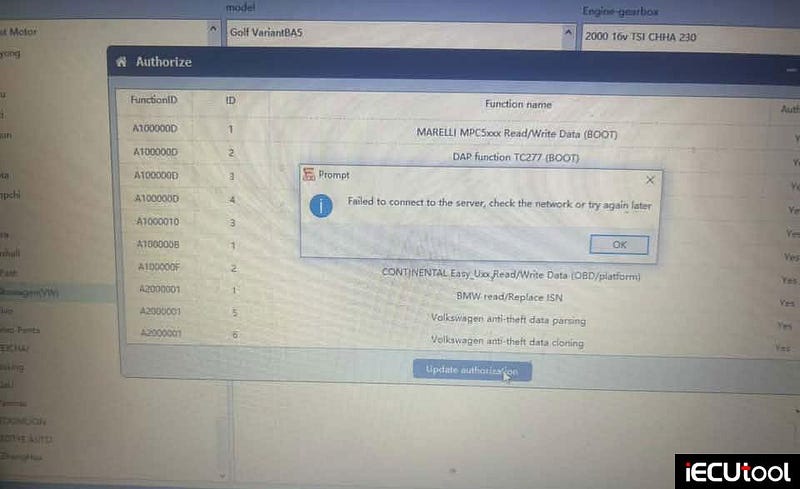
Problem: 5 months CG FC200 software says failed to get authorization code. The software is not expired. Any solution?
Solution:
Change server. It was server error.
Check server in settings and set to China.
User feedback:
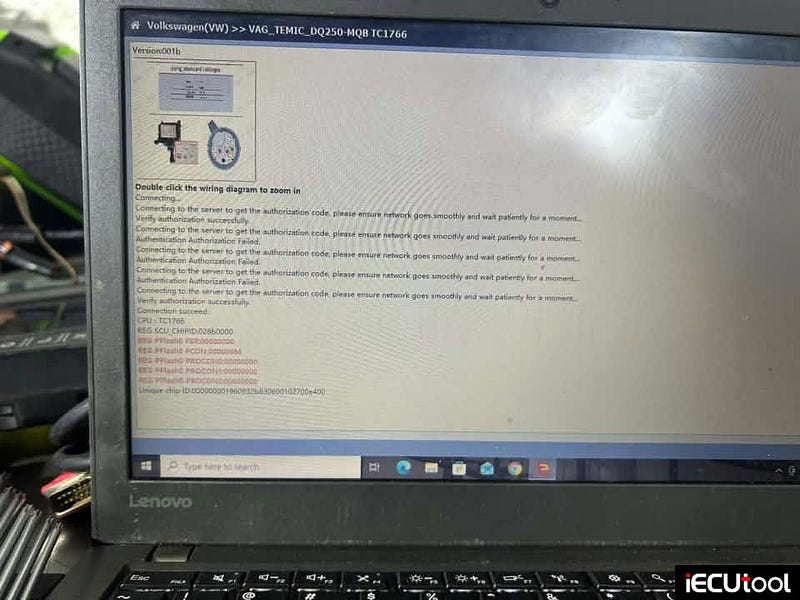
Adjusted to China server and all ok.
Flex Boot Unlock BMW Bosch MD1CP032 TC299 ECU Successfully
Another exciting project completed.
BMW M340d G20 boot glitch unlocked by
Magic Motorsport Flex programmer.
This 2020 BMW M340d xDrive (B57D30T2 Mild Hybrid) arrived with the latest Bosch MD1CP032 TC299 ECU — a platform that, until recently, was widely considered locked unless the ECU was shipped overseas.
The ECU has now been successfully boot glitch unlocked in house, allowing full calibration access without sending it across Europe.
With the unlock complete, the vehicle is now back at the workshop where it is
receiving the full package:
Custom Stage 1 ECU Calibration
EGR
Solution
AdBlue (SCR) Solution
ZF 8HP Gen 3 XHP Stage 3 Gearbox
Calibration
Performance
Original
• 340 BHP
• 700
Nm
Modified
• 412 BHP
• 800 Nm
Gains
• +72 BHP
• +100 Nm
The combination of the custom ECU calibration and XHP Stage 3 gearbox software completely transforms these cars. The additional torque arrives much earlier, gear changes become noticeably faster, torque limits are optimised and the B57 engine finally delivers the performance it was always capable of.
If you’ve been told your MD1CP032 TC299 BMW is "un-tunable", that is no longer the case.


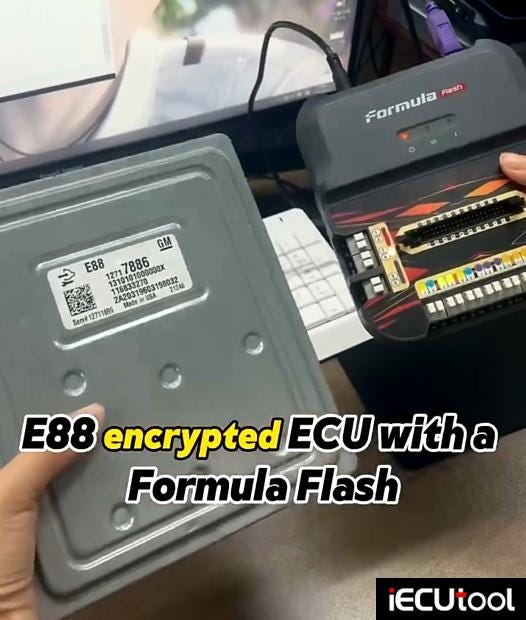
FormulaFlash Bench Read Write Guide for GM E88 ECM
Formulaflash sofwtare v1.1.70 has new support for GM ACDelco E88 / E90 / E93 ECUs. Here iECUTool.eu will show how to read and write GM E88 ECU with FormulaFlash programmer?
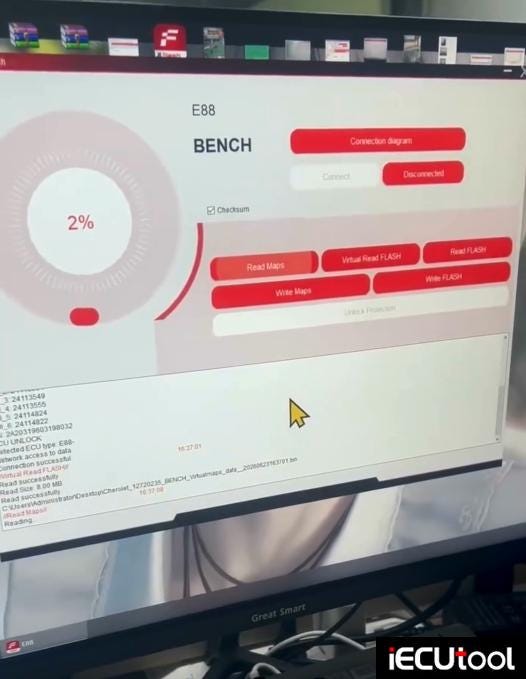
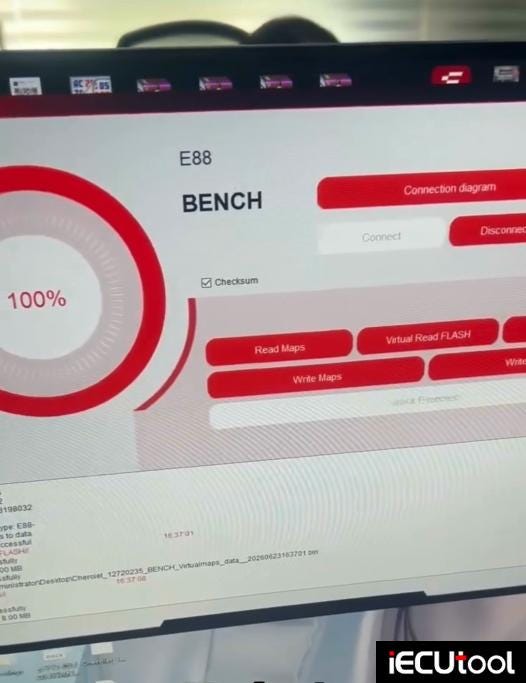
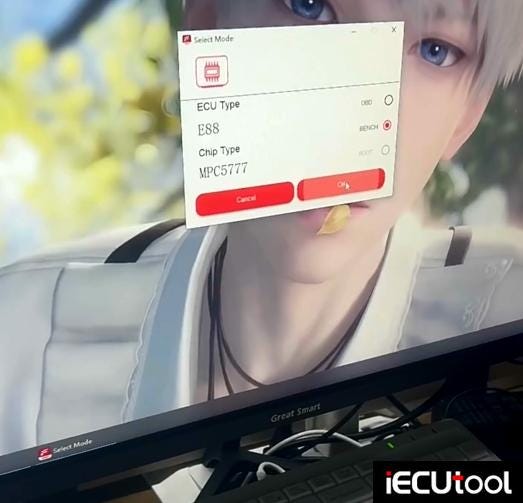
Run Formula Flash software. Choose E88 ECU type and select bench mode.
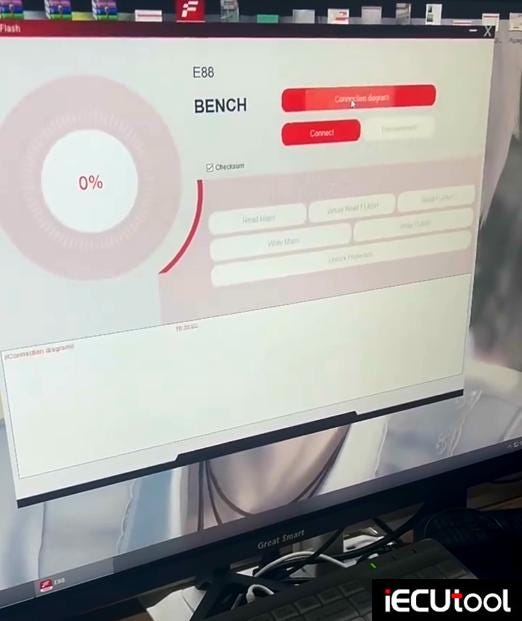
Check the connection diagram.
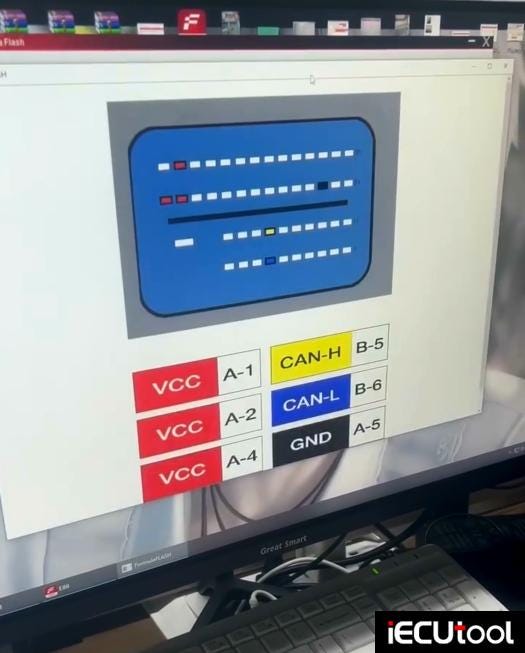
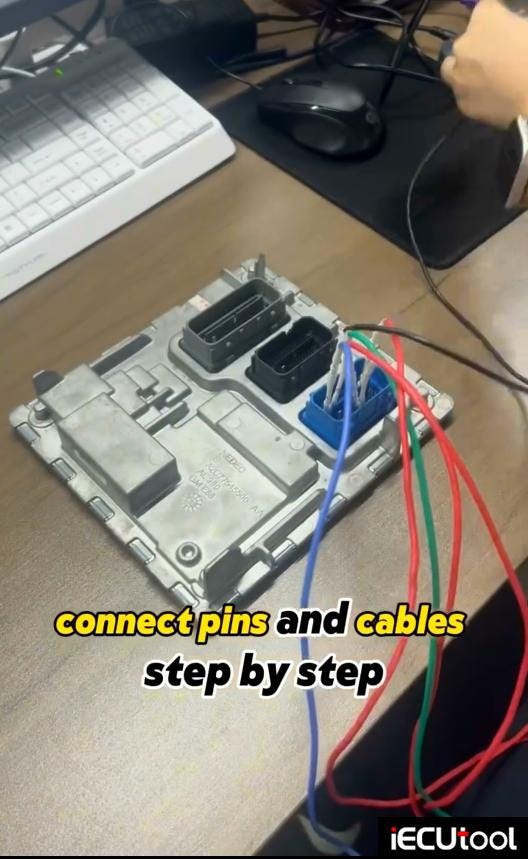
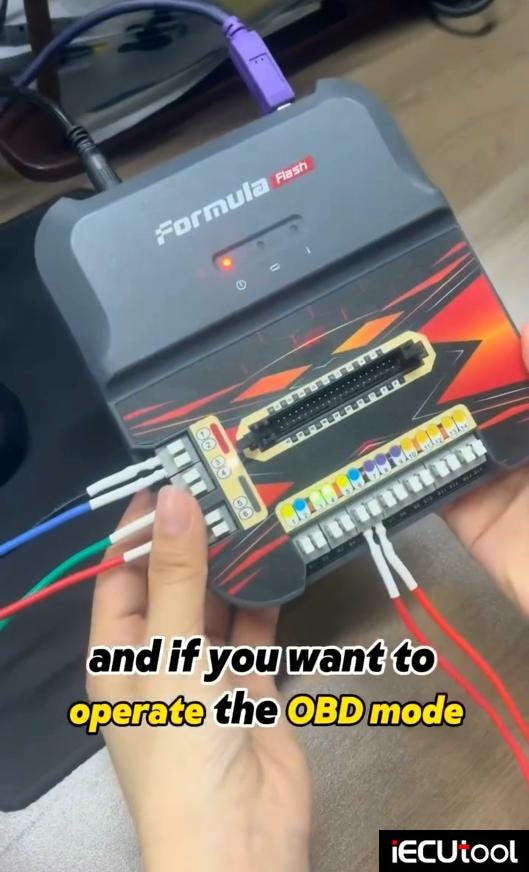
Connect 6 wires: 3x VCC, CAN-H, CAN-L and GND.
Set up bench connection.
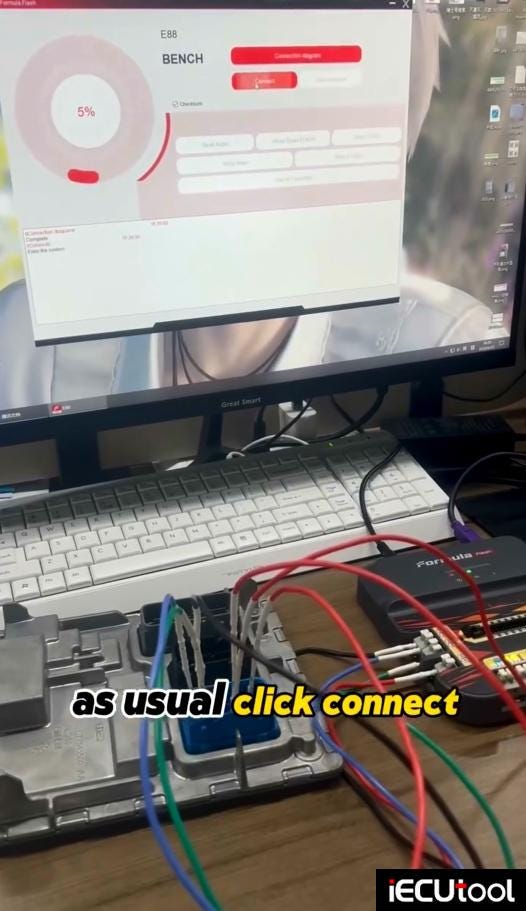
Hit "Connect" to build a connection between device and ECU.
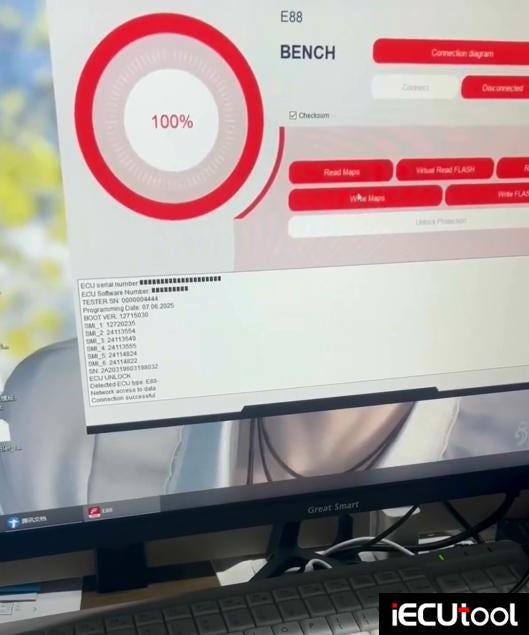
The ECU has been decrypted. So we can read ECU.
Read and save ECU data.
Then write ECU.
Formula flash also does checksum correction.