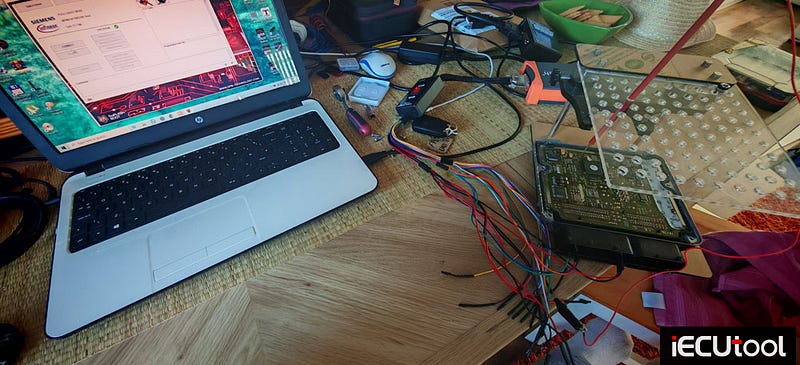
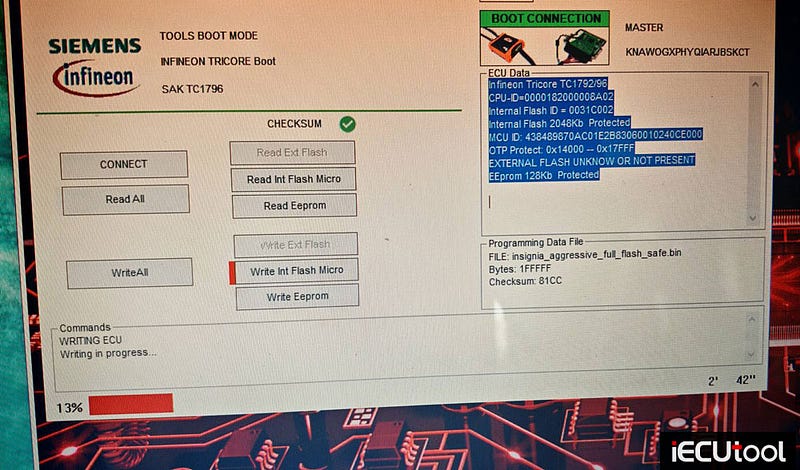
Fix Foxflash Read Issue on SID803 ECU Bench Mode
Problem:
Tried to read Peugeot SID803 ECU with foxflash on bench. I can read jusd id. But not more. Any solution?


Solution:
Bench only sid803a while sid803 boot or bdm
SID803A obd/bench (check pinout)
SID803
boot
important sid803 maps in mpc not in flash.
SID803 boot pin to foxflash
Connect multifunction cable as follows:

Solder the dip/sip connectors on the pcb:
Insert Siemens/Marelli adapter as in photo:

To read and write use the following driver:
→ BDM/ JTAG MODE
→ BDM
MPC
→ MPC55x/56x
Only SID803a goes on bench, SID803 with opening and reading with other tools, i.e KESS3, Ktag etc.
How to Fix Foxflash Write Issue on EDC17C60 ECU
Problem:
Has anyone already unlocked the password on esc17c60? I extracted the password with foxflash but I can’t find the procedure to rewrite it. I used bench but error password. I can read flash and eeprom in boot mode but not rewrite and not start.

Solution:
If you put it in a folder foxflash will automatically find it.
Save the extracted password in the same folder as new file the write new file.
Usually, we can read this ecu easily on bench without password. But if the ECU is updated or replaced in the dealership, you may need to do it in boot.
XirDecoder Offers Full Tuning from Stage 1 to 3
XirDecoder is a professional software platform that offers the most advanced chip tuning solutions in the automotive world. With its rich database containing more than 130,000 files, it offers a unique experience in vehicle optimization. It offers professional solutions for all your chip tuning needs, from Stage 1 to Stage 3, from DPF/EGR/Adblue deactivation to Launch Control. Our system is designed to meet all software optimization needs of modern vehicles.
Here we will show how easy it is to perform modifications and solutions using hardware and XirDecoder software.
Takes Foxflash and BMW Bosch EDC17C50 ECU as an example.
Function: EDC17C50 Hardcut, EGR, DPF, Stage 1
Same procedure goes to other programmers, Flex, Autotuner, FC200 etc.
Step 1: Read the ECU
Read this ECU with foxflash in bench mode. Save data.
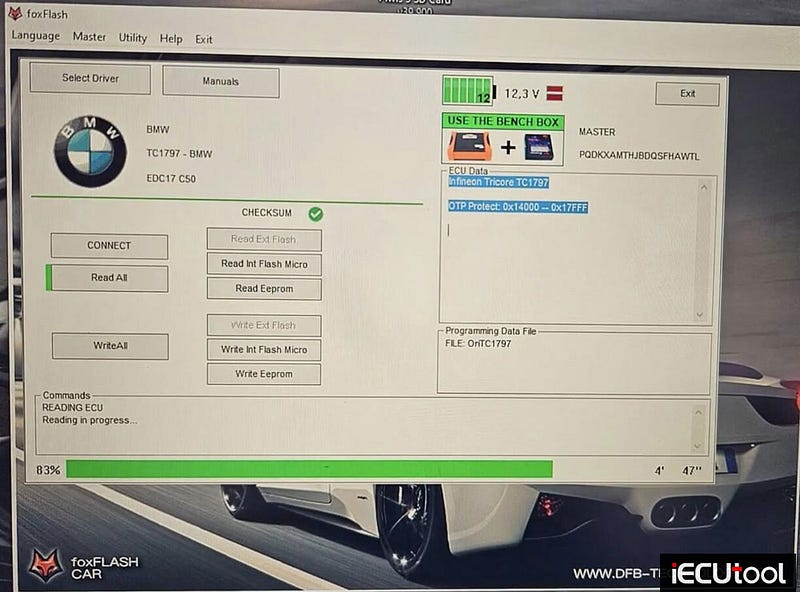
Step 2: Perform Hardcut Solution
If don’t need to perform Hardcut or DTC off solution, skip to Step 3.
Run
XirDecoder software.
Select Hardcut function.
Select vehicle brand and ECU.
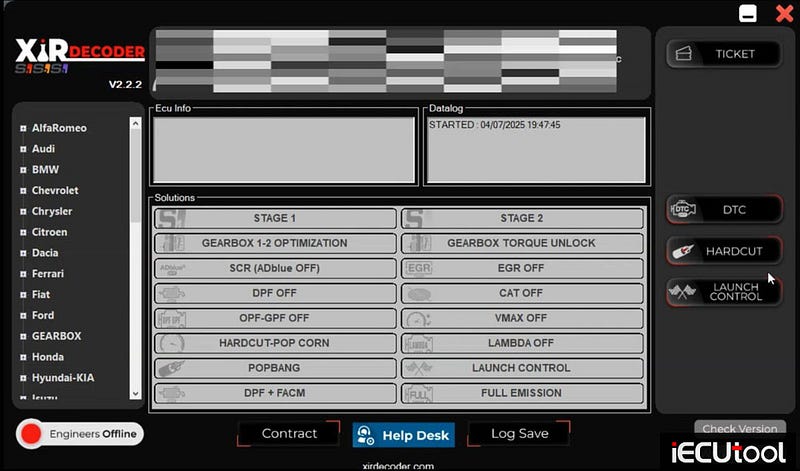
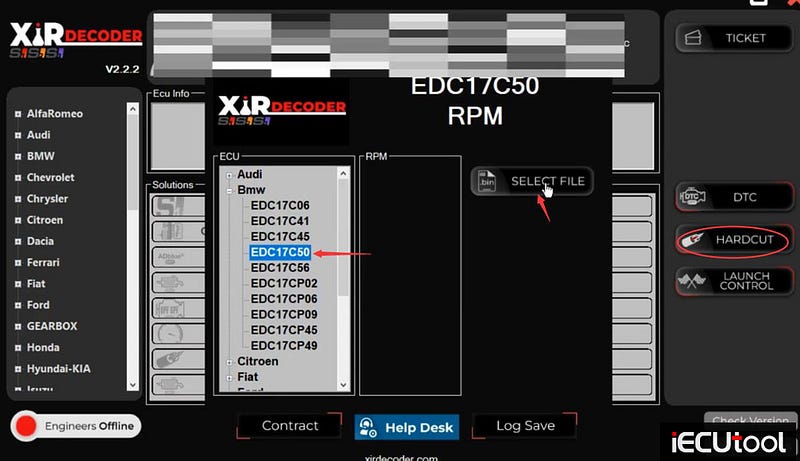
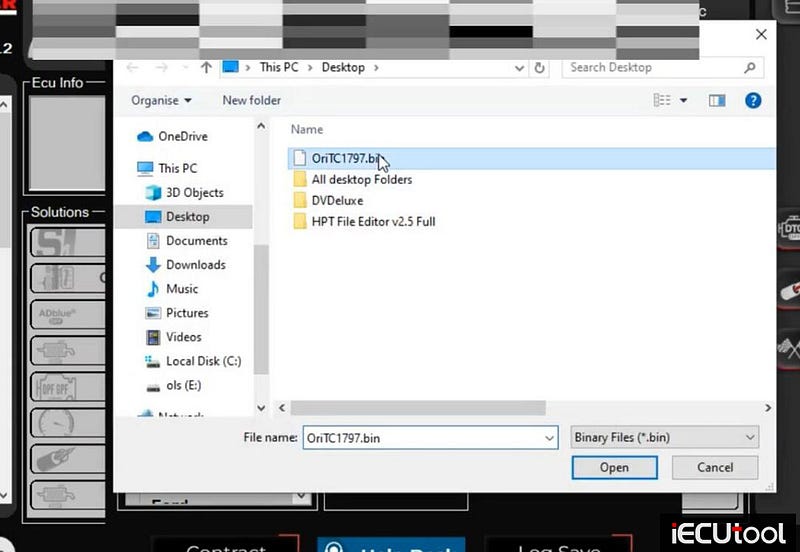
Upload original data read by Foxflash.
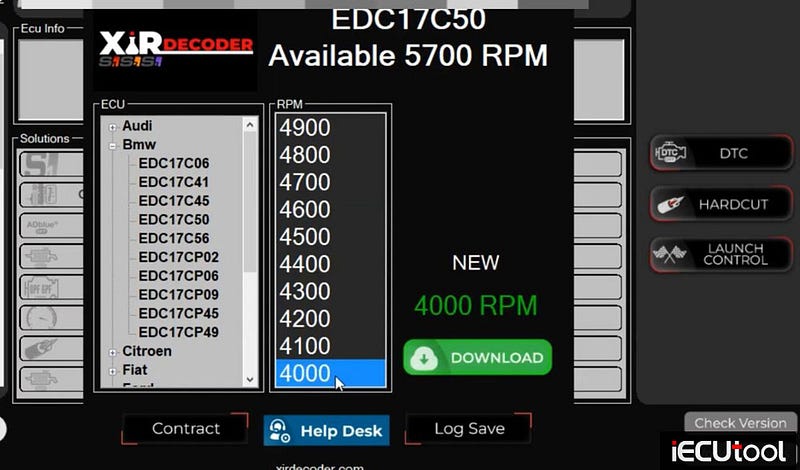
EDC17C50 available 5700 RPM. The XirDecoder allows cut fuelling at a set RPM
(normally 4300 rpm) making the revs bounce off the limiter!
Select 4000RPM
and Download.
Save file.
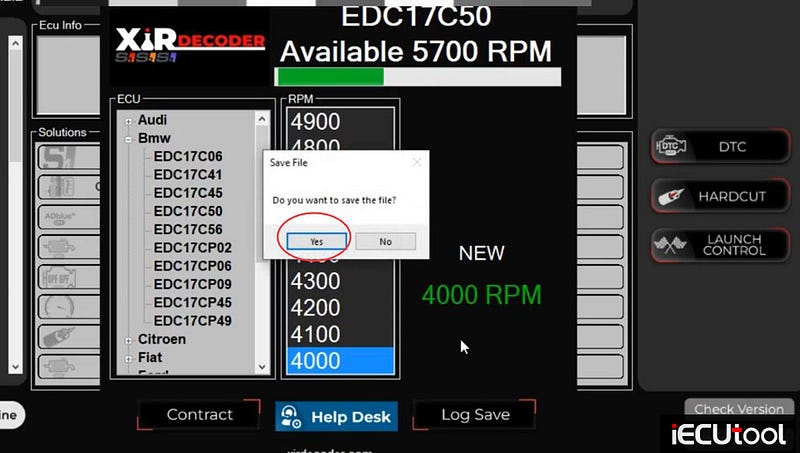
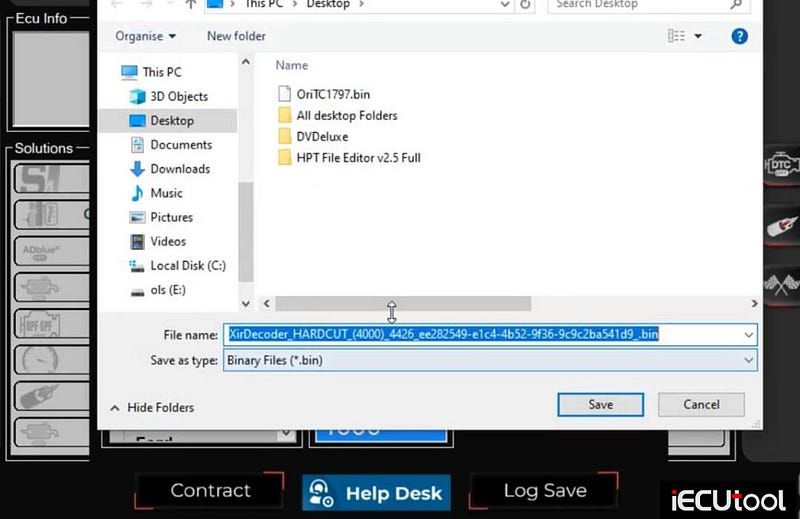
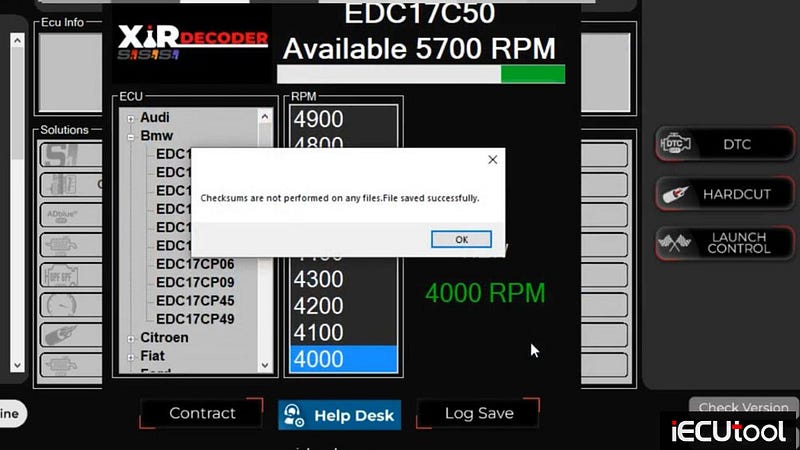
Software does not do checksum correction. It’s hardware’s job.
Step 3: Perform Other Solutions
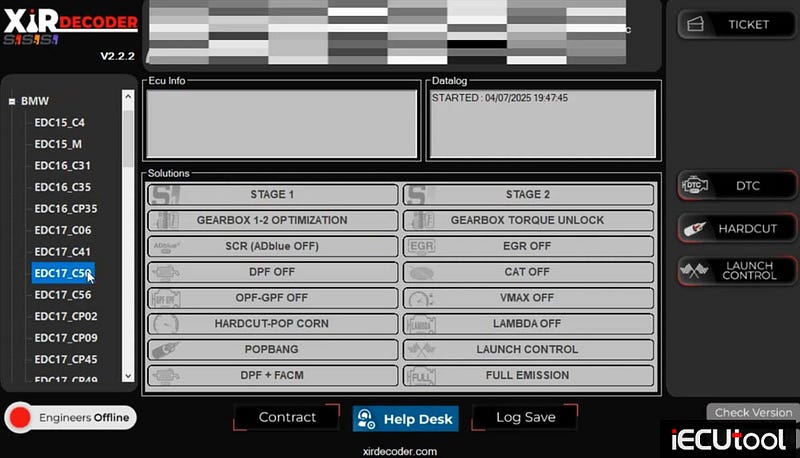
Select ECU
EDC17C50.
Upload data
Then select the functions you need.
For example,
XirDecoder software allows to perform EGR OFF,
DPF OFF, Vmax OFF and Stage 1 for this ECU.
Then hit Download.
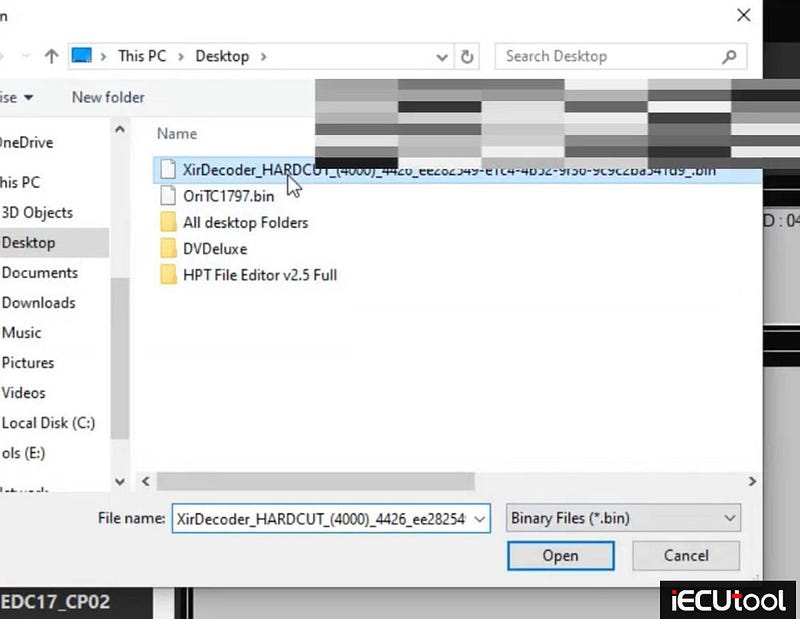
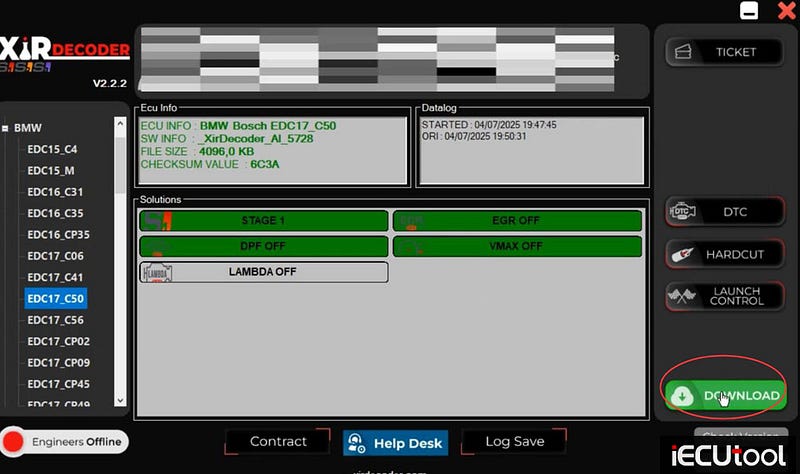
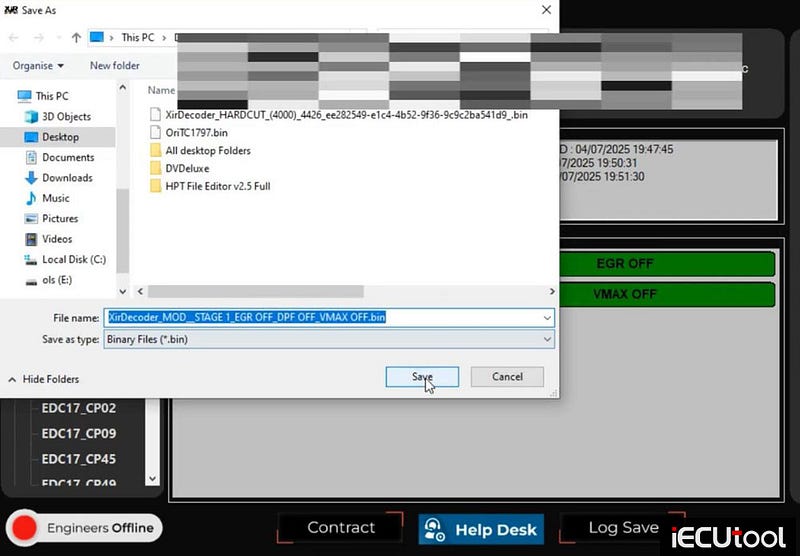
Save the modified file.
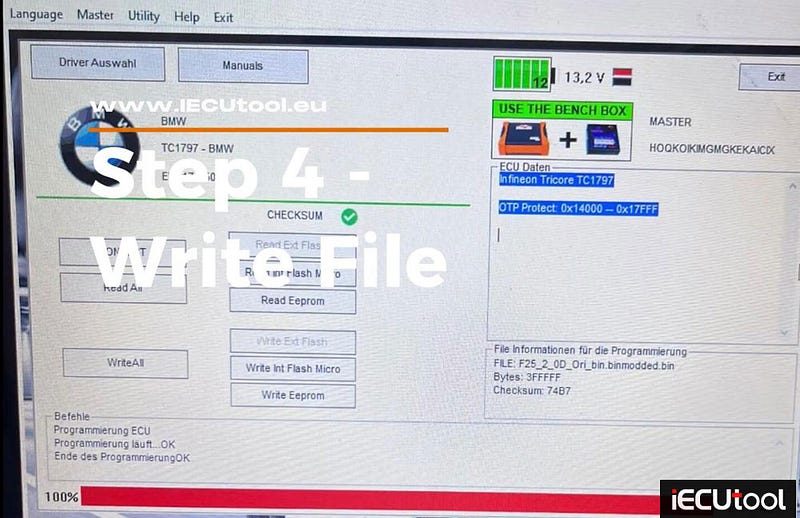
Step 4: Write File
Write the modified data to ECU with foxflash.
Foxflash Supports Ford SID807EVO ECU in Boot Mode
Foxflash new user report:
Ford cmax 2015 1.6 tdci 115
SID807EVO ECU
Read/write/checksum and get password with foxflash.
Boot mode.
This can be done obd also with the full can protocol. Tested it and works fine on Fords. Unlike Peugeot/Citroen you can only do boot.
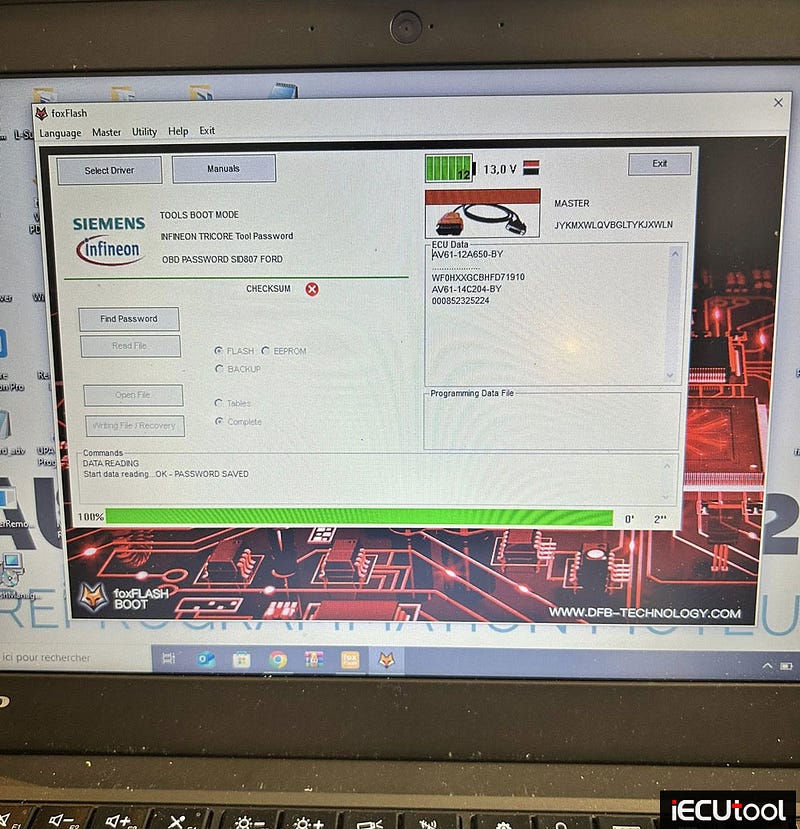
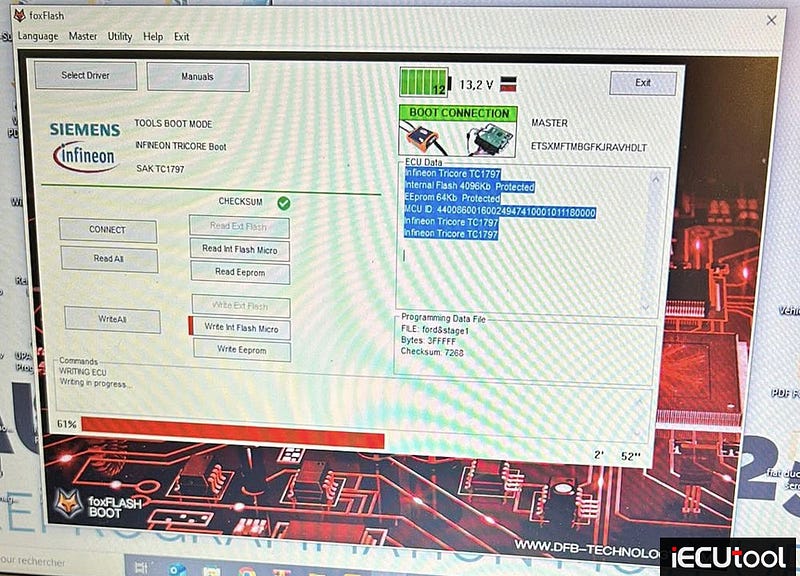
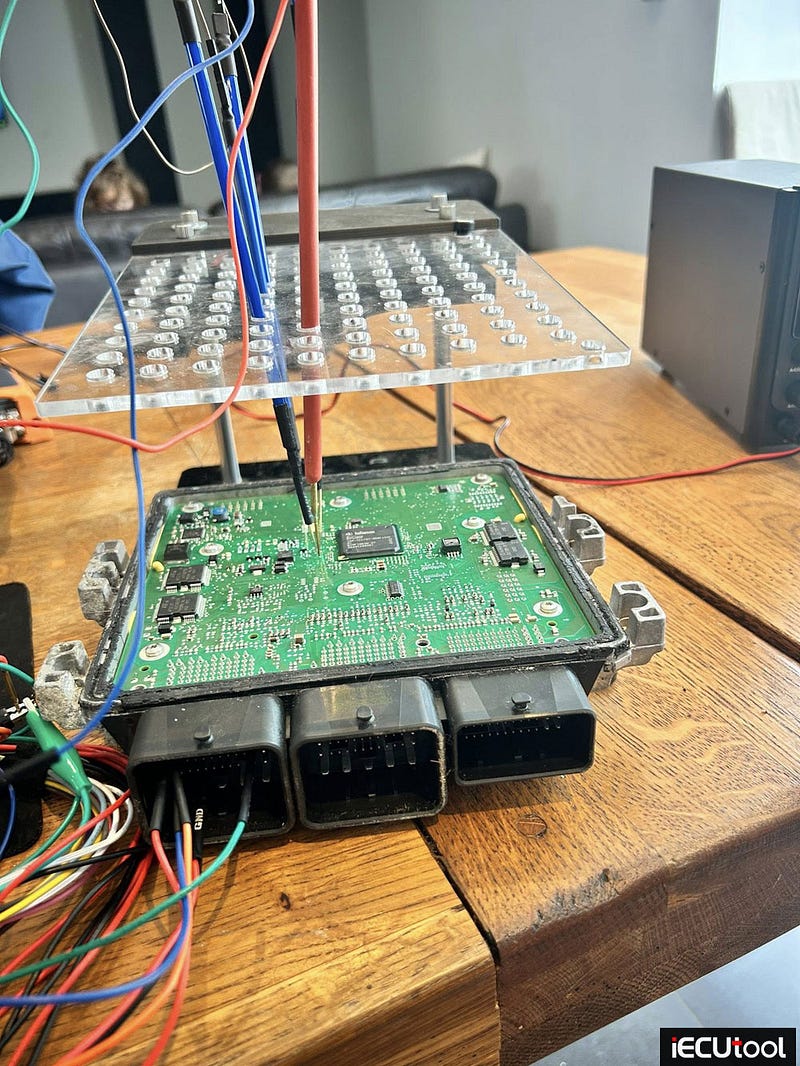
Check SID807EVO boot mode pinout to foxflash here
http://www.pcmtuner.org/psa-sid807evo-boot-pinout-to-foxflash/
How to Read Opel EDC17C19 ECU Using Foxflash Tool
Foxflash will read and write Opel Insignia 2.0cdti Bosch EDC17C19 ECU in both bench and boot mode.
Bench mode
To read and write use the following driver:
→ BENCH TRICORE
→ OPEL
→ TC1796 — OPEL
→ EDC17 C19
bench pinout to EDC17 C19
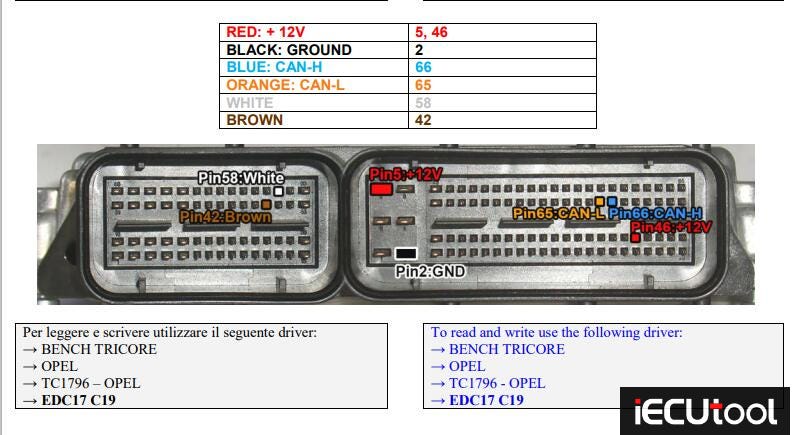
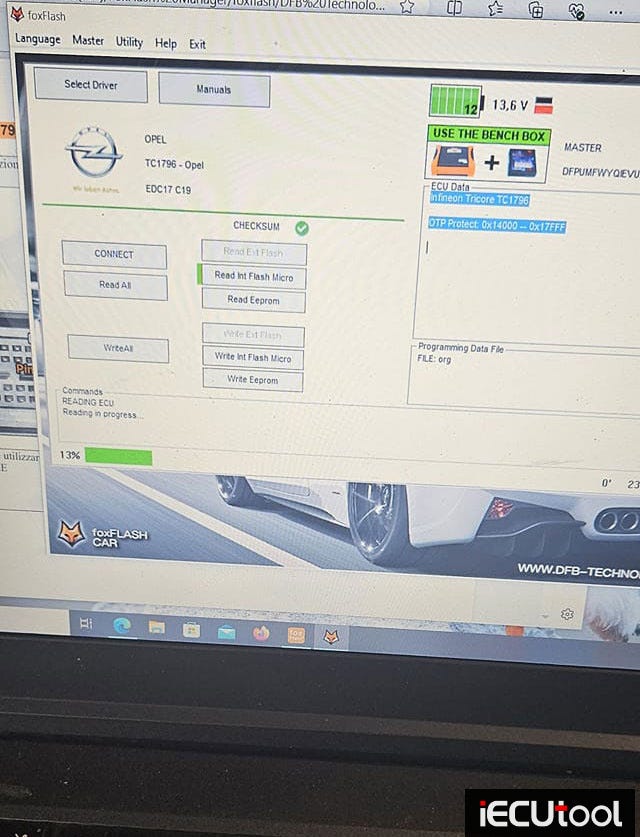
If cannot read ecu on bench mode, try boot mode.
Boot mode
Connect with the multifunction cable the following pinout and the boot shown below.
Use the driver:
→ TOOLS BOOT MODE
→ INFINEON TRICORE Boot
→ SAK TC1766 or 1796
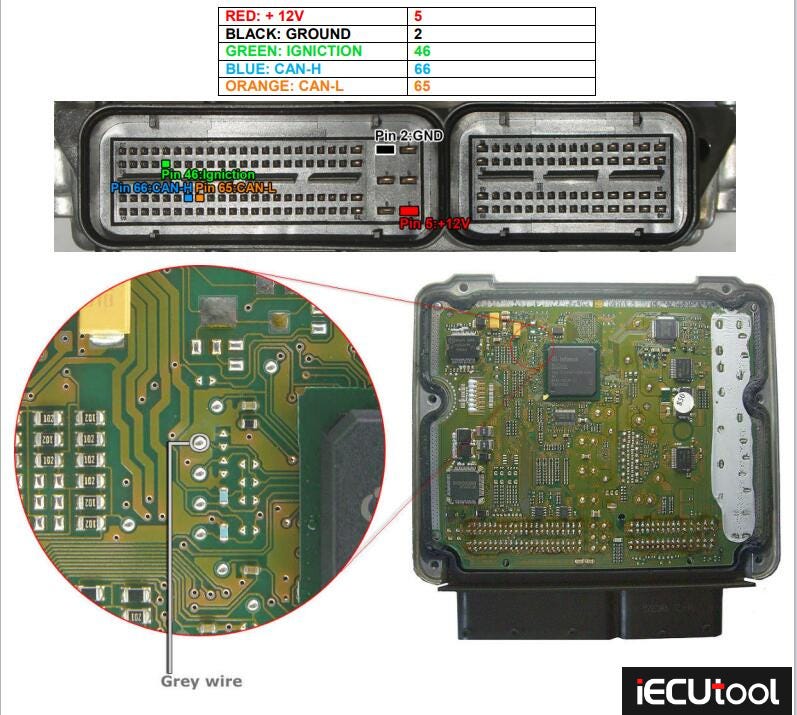
Example:
Insignia 2.0cdti edc17c19 only boot mode due to foxflash not being able to
write bench or obd.
Crash a few times while writing int flash but ecu
survived and its all ok now.
Checksum by foxflash.
Managed to read write successfully in boot. program just jammed once and the other issues were with the tuned file. no issues with the tool itself.