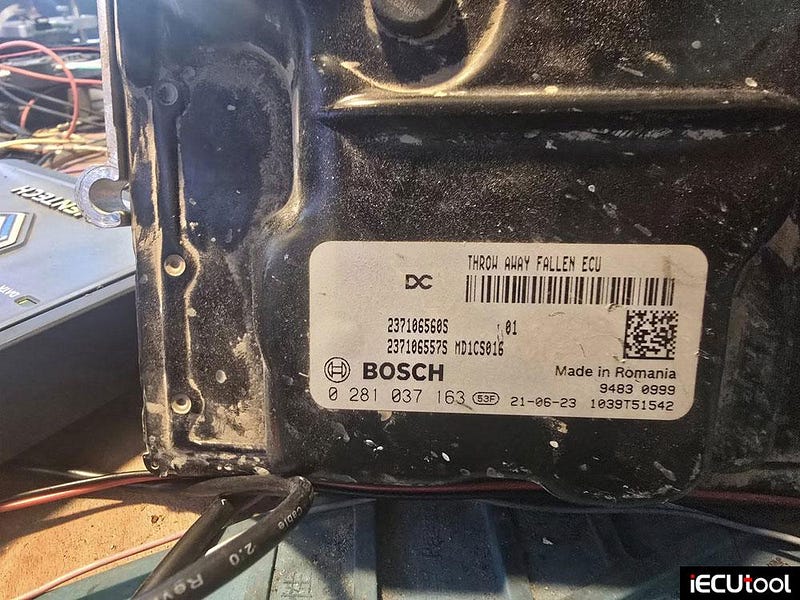
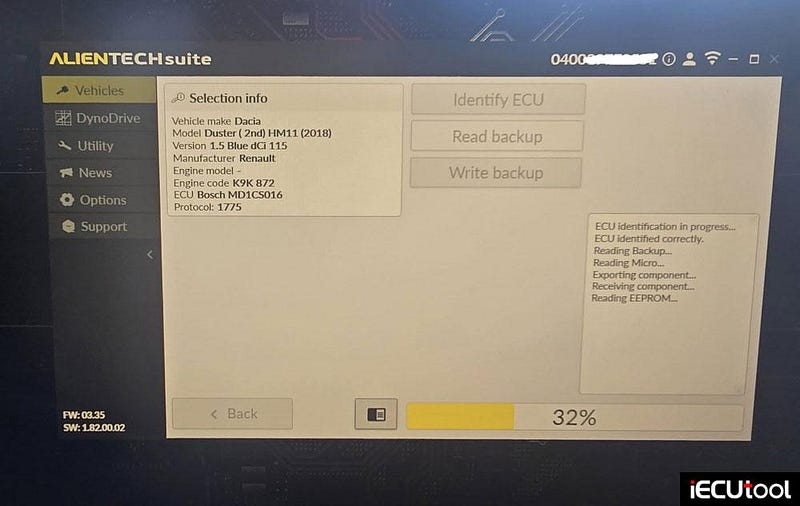
Reading Dacia Duster 2021 MD1CS016 ECU With KESS3
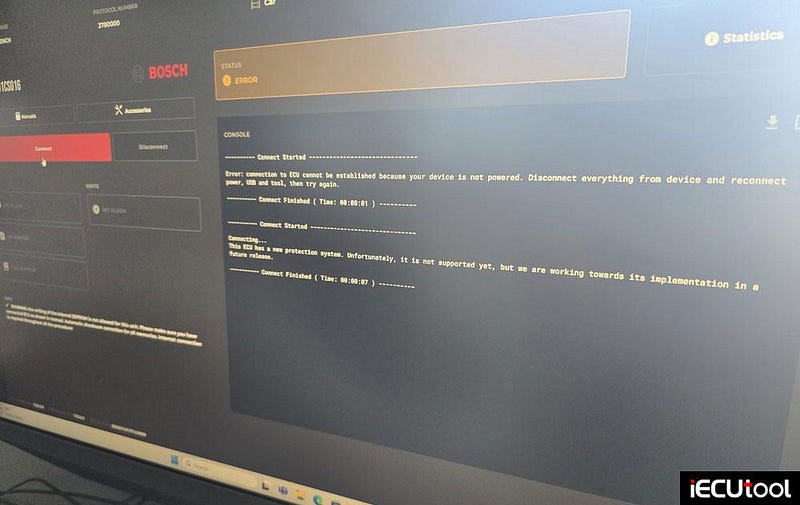
Dacia Duster 2021. Flex cannot read, kess3 yes.
Bosch MD1CS016 ECU.
Read micro =
16mb.
AutoTuner Update Supports KTM KTKS and KTKZ ECUs
You seemed to love the addition of the first KTMs to AutoTuner, so we decided not to stop there!
Starting now, you can benefit from the KTM KTKS/KTKZ OBD NR
protocol on your Tool.
As a reminder, NR stands for "Normal
Read". This gives you access to the real content of the ECU on 14
different models from KTM, GasGas, and Husqvarna.
Share your
experience with motorcycle tuning and let us know what else you need!
Key Features:
Type: Engine Control Unit (ECU).
Mode:
OBD NR.
Readout: Software + Calibration.
MCU: RH850.
Read time: 10min
30sec
Write time: 6min
Checksums correction.
Compatibility List*:
GasGas Model: ES 700–2022
GasGas
Engine: 700cc
Husqvarna Models: 701–2021 / 701 Supermoto — 2016 / 701
Supermoto — 2020
Husqvarna Engine: 701cc (690 platform)
KTM Models: 690
Enduro R — 2021 / 690 SMC R — 2021 / Adventure — 2009 / Super Adventure — 2015 /
1290 Super Adventure R — 2021 / 1290 Super Adventure S — 2021 / 1290 Super Duke
GT — 2021 / 1290 Super Duke R — 2020 / 1290 Super Duke RR — 2020 / 1300 Brabus
R — 2020
KTM Engines: 690cc / 1290cc / 1300cc
*The list of motorcycles may
evolve over time.

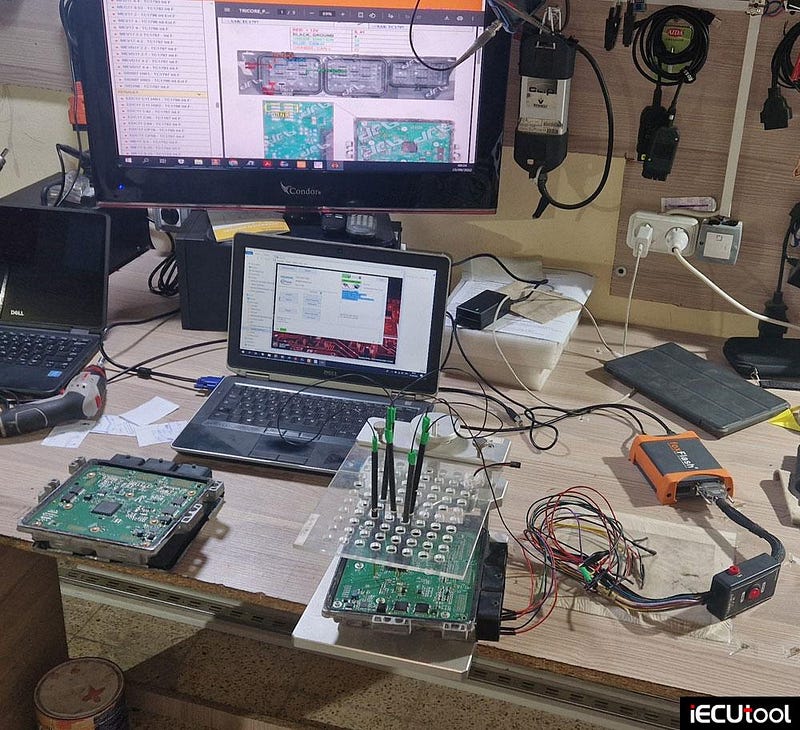
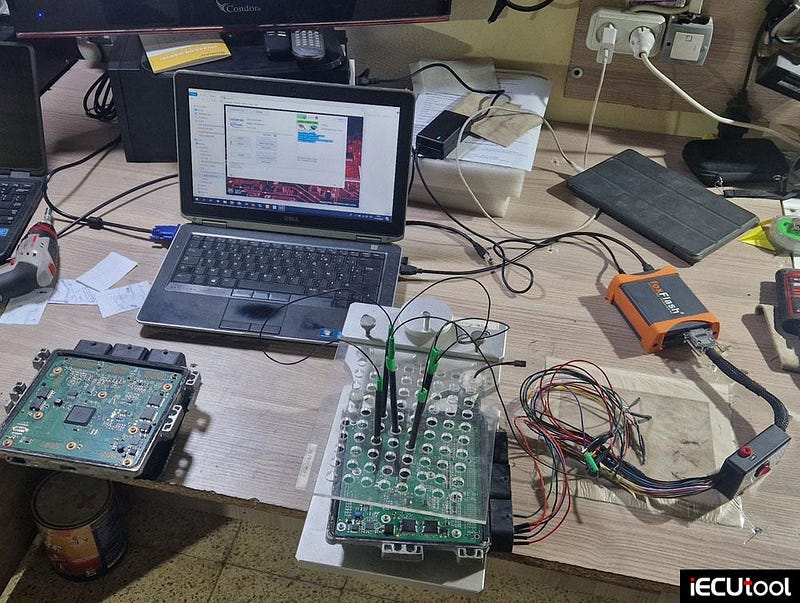
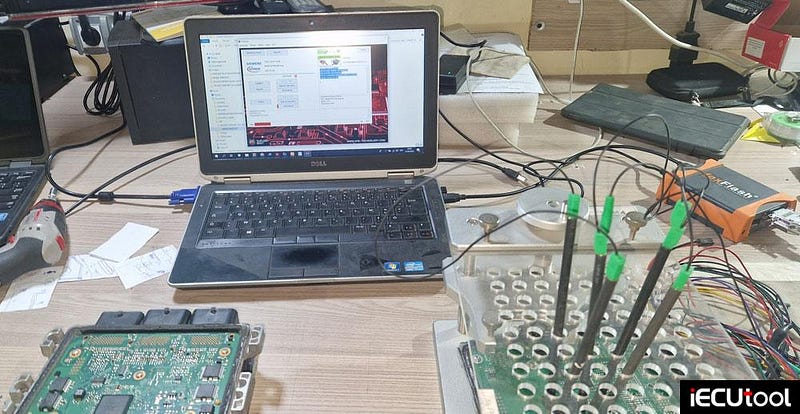
Foxflash Boot Mode Clone for Peugeot SID807EVO ECU
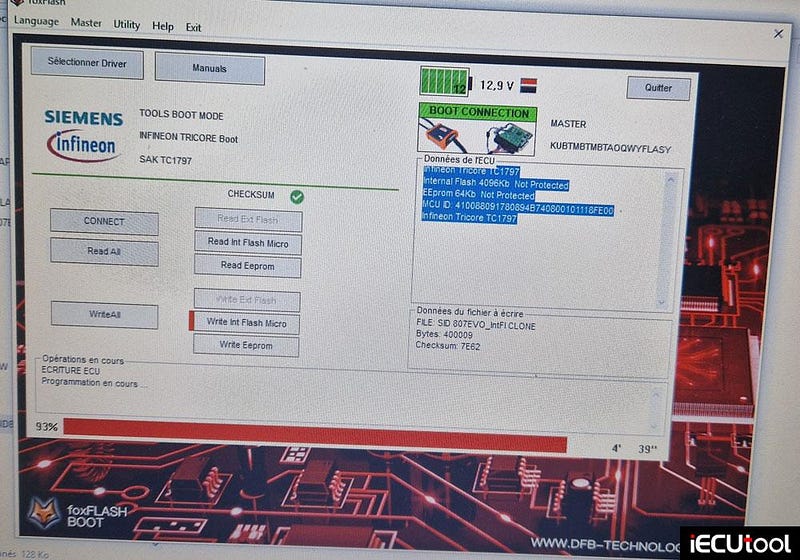
Foxflash report today: Clone PEUGEOT PARTNER
SID807EVO ECU successfully.
SID807EVO
Read/Write BOOT MODE
Cloning
ok
Checksum correction by foxflash.
NOTE:
No need to read password for PSA SID807EVO, only read and write.
If it is Ford SID807EVO, we need to read password first.
Some users also reported that the PADFlash programmer will clone this ECU on bench mode.
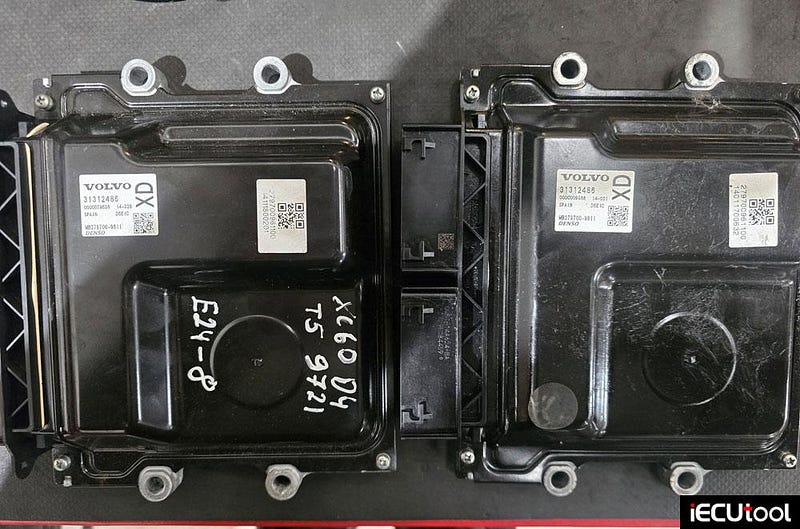
Flex Programmer Guide for Volvo DENSO MB279700 ECU
Problem: It’s a Volvo XC-60 with DENSO MB279700–96xx ECU. Original ecu has been flooded with water.
Have read eprom on bench no problem same as whole ecu. MMS Flex says there is no clone.
How to clone this ECU with Flex programmer?
Feedback and solution:
It turned out that after writing full backup in to the destination ECU, everything is ok — no faults, car start and drives.
MMS Flex should change status of that ecu to Clone 1:1.
Just write full backup and it should work.
Option solutions:
Adopt with SMOK UHS.
Renault SID307 OBD Issue Fix Using Flex Boot Mode
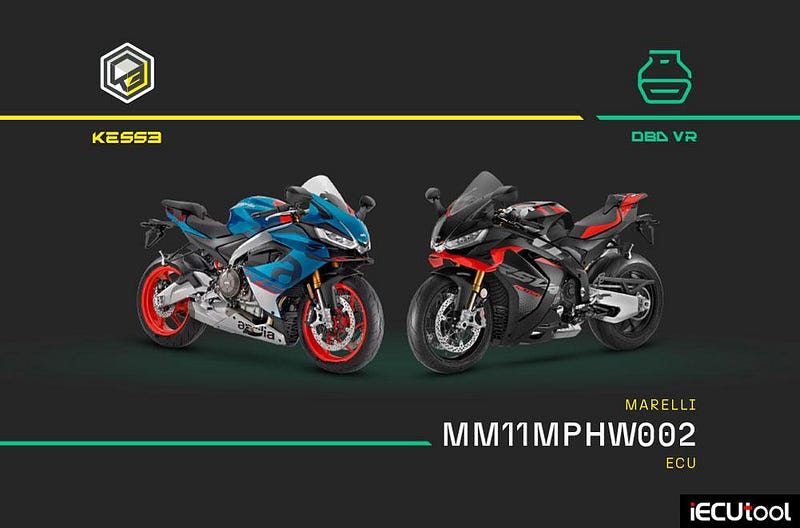
Alientech KESS3 released new OBD & OBD VR protocols for Marelli MM11MPHW002 ECUs- Aprilia and Moto Guzzi motorcycles.
Unlock tuning on the latest supersport and modern classic platforms from the Piaggio group with KESS3 — including the full RS and Tuono lineup and the Moto Guzzi V7 — and expand your offer across the next generation of two-wheelers.
- Work via OBD and OBD VR
- Read and write with complete reliability on the latest MM11MPHW002 ECUs
- Offer tuning services from 125cc up to high-displacement engines
11.12.2025 — UPGRADE 2.70
With this update, you can work on the modern Marelli MM11MPHW002 ECUs installed on the most recent Aprilia (and Moto Guzzi) models, from 125cc to higher-displacement engines.
A major step forward for your workshop: the OBD and OBD VR connection gives you direct access to engine control unit data, allowing complete and reliable reading and writing operations.
Thanks to extended support for the entire RS and Tuono range, you can offer specialist services even on the newest platforms of the Piaggio group. A concrete opportunity to expand your offer in the motorcycle sector and stand out in the supersport and modern-classic markets.
Technical focus
Connection: OBD, OBD VR
ECU: Marelli
MM11MPHW002
Production years: from 2024
Brands involved: Aprilia, Moto
Guzzi
Supported vehicles
Aprilia RS 125, RS 457, RS 660, RSV4
1100, Tuono 660, Tuono 1100
Moto Guzzi V7