BMW EDC17C56 IMMO Off and VIN ISN Update with FormulaFlash
ForumaFlash new user report from Whatsapp group:
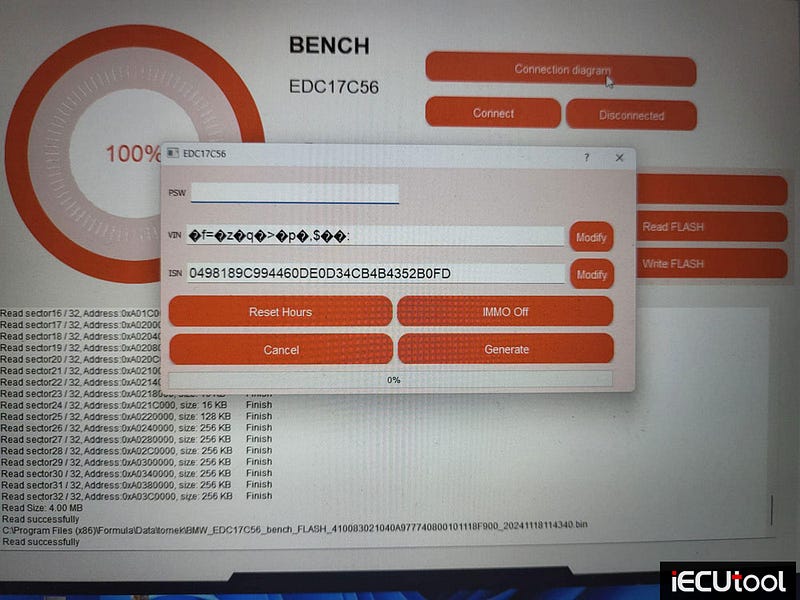
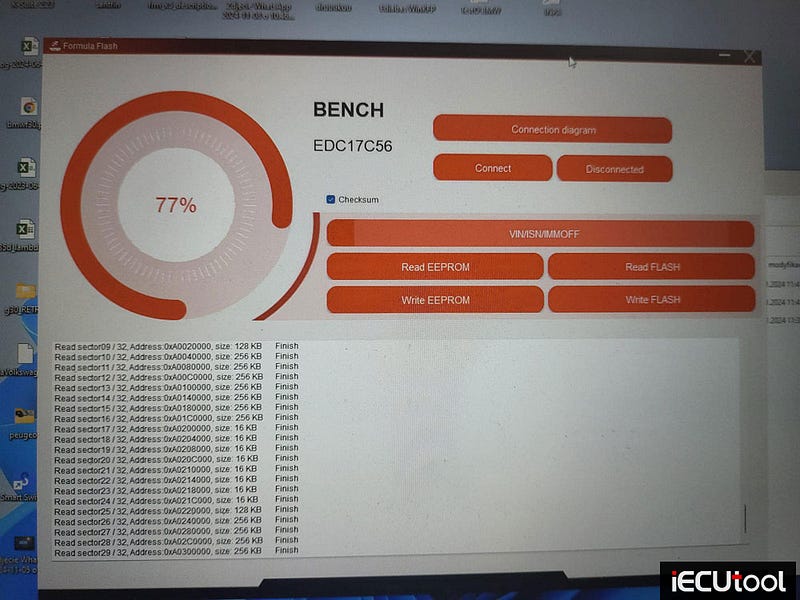
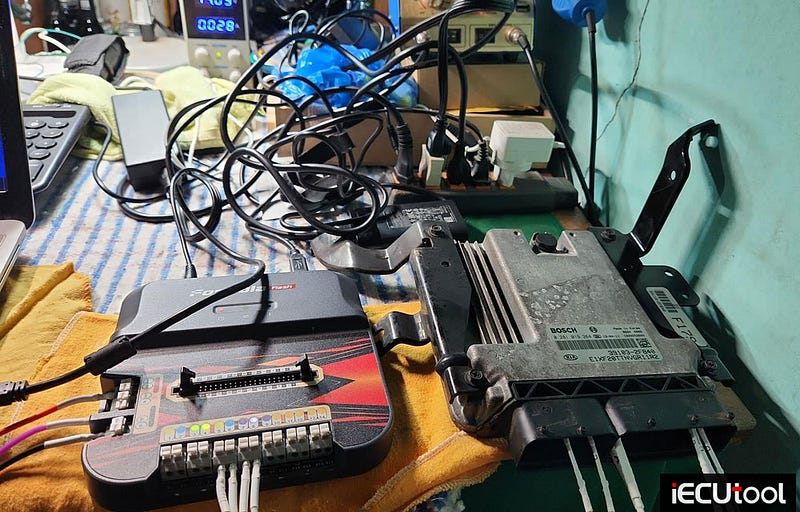
BMW EDC17C56 Read OK, Write OK bench mode.
Modify ISN/VIN successfully.
IMMO OFF ALL FUNCTIONS DIRECT IN SOFTWARE. No 3rd party tool.
Update software to 1.0.0.9.
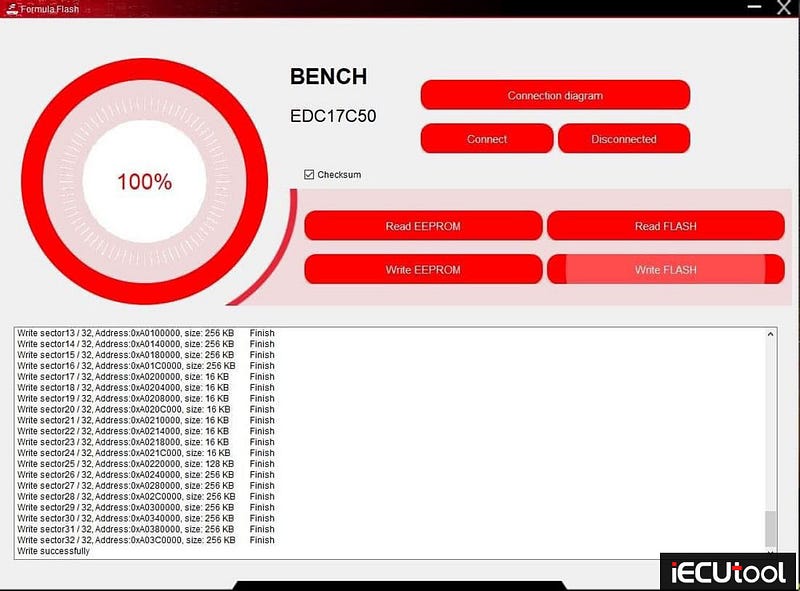
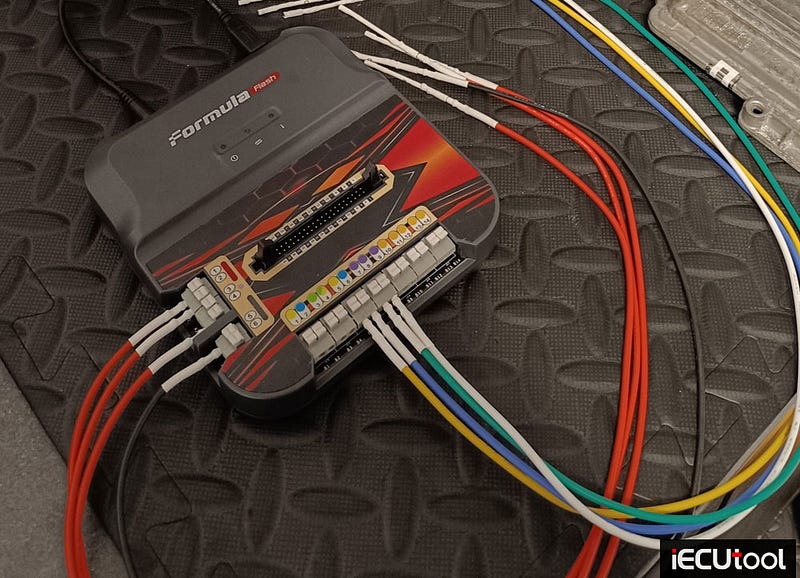
FormulaFlash Reads Writes BMW 520D EDC17C50 Successfully
FormulaFlash programmer review:
2016 BMW 520D
EDC17C50 ECU
Tool Used: FormulaFlash
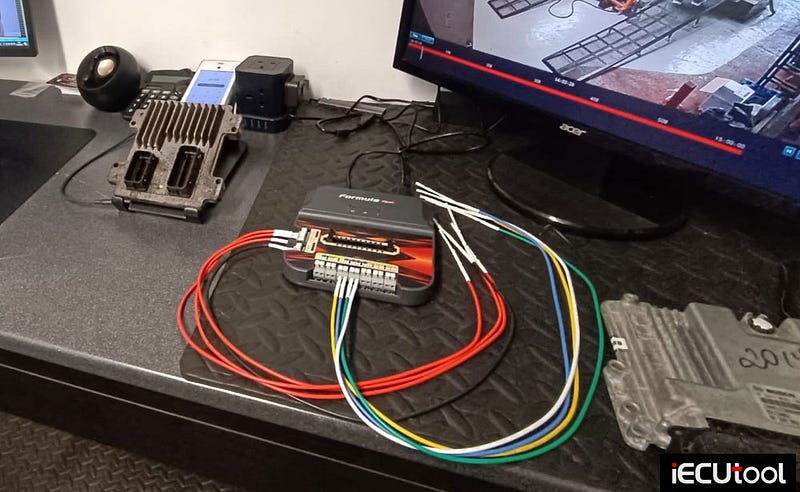
Bench mode.
Read eeprom and flash ok.
Write eeprom and flash ok.
Stage1 +Egr off
FormulaFlash 1.0.0.9 Expands MSD8x MSV90 MG1 MD1 Support
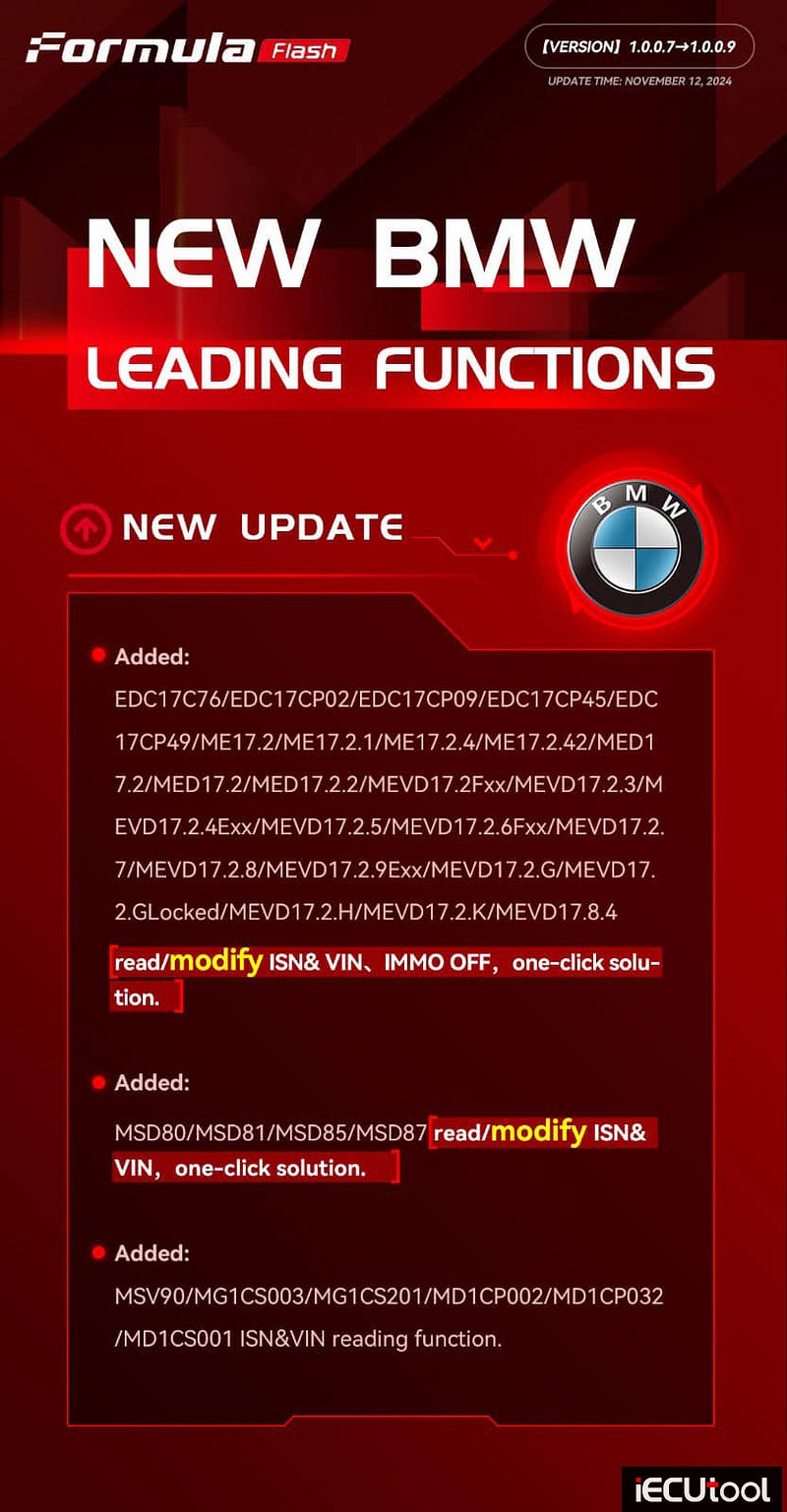
FormulaFlash ECU TCU programmer new software update: Version 1.0.0.9 (Available November 12, 2024)
Introducing New BMW Leading Functions and Enhanced Capabilities!
Our latest Formula Flash update brings advanced features to your toolkit, specifically designed to streamline your BMW diagnostics and modifications.
What’s New?
Added Functions:
• Full compatibility with additional BMW ECU models,
including:
• EDC17 series (EDC17C76, EDC17CP02, EDC17CP09,
EDC17CP45, EDC17CP49)
• ME17 & MED17 series (ME17.2,
ME17.2.1, ME17.2.4, ME17.2.42, MED17.2, MED17.2.2, MEVD17.2Fxx, and more)
•
New solutions for ISN & VIN reading/modification, IMMO OFF, and one-click
solutions across a wide range of models
• MSD80/MSD81/MSD85/MSD87
modules with ISN & VIN reading/modifying in just one click!
New Features on
MSV90/MG1CS003/MG1CS201/MD1CP002/MD1CP032/MD1CS001:
• ISN
& VIN reading functionality — seamlessly streamline BMW services.
Stay Ahead with Formula Flash!
With every update, our goal is to support
you with cutting-edge technology that simplifies diagnostics and delivers robust
one-click solutions. This latest release is designed to enhance your workflow
and open up new possibilities for BMW tuning and diagnostics.
Update your FormulaFlash software today and experience the difference!
Solve FormulaFlash Wiring Diagram Problem with Simple Steps
Problem:
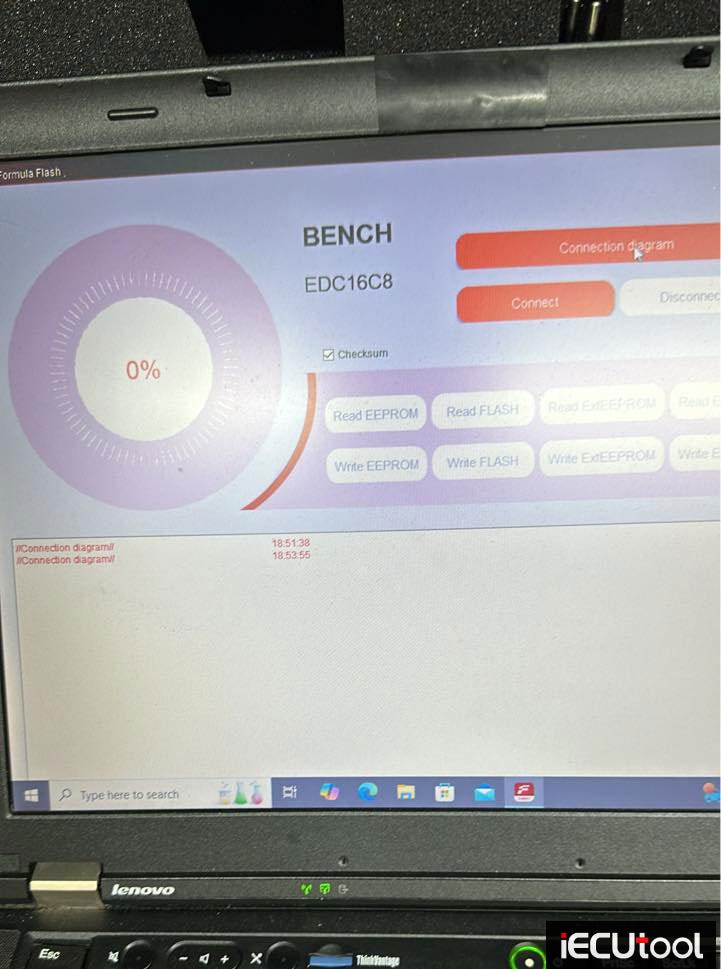
FormulaFlash programmer does not show connection wiring diagram. Image attached. How to fix it?
Solution:
It is a problem with the directory.
Install formula flash software on Disk
D, not C, and you will solve it.
Install in D or run as
administrator.
One-Click Solution for BMW MSD85 ISN VIN Mod with FormulaFlash
Discover Effortless ISN & VIN Modification with FormulaFlash — Just One Click!
FormulaFlash allows you to modify ISN, VIN, and even perform Immo Off with a single click, saving time and simplifying complex processes. Unlock this powerful feature and streamline your work effortlessly!
Here iecutool.eu shows how to modify BMW MSD85 ISN and VIN using this feature.
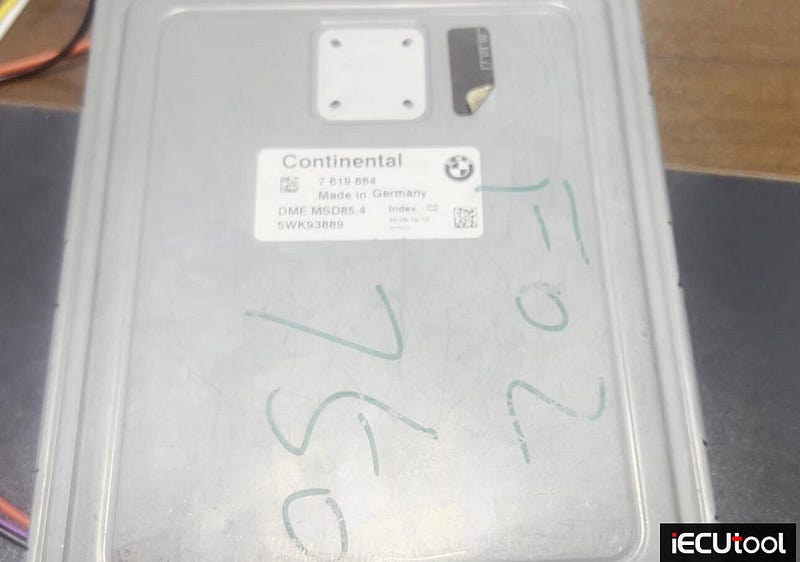
Quick search MSD85 DME, choose Bench mode
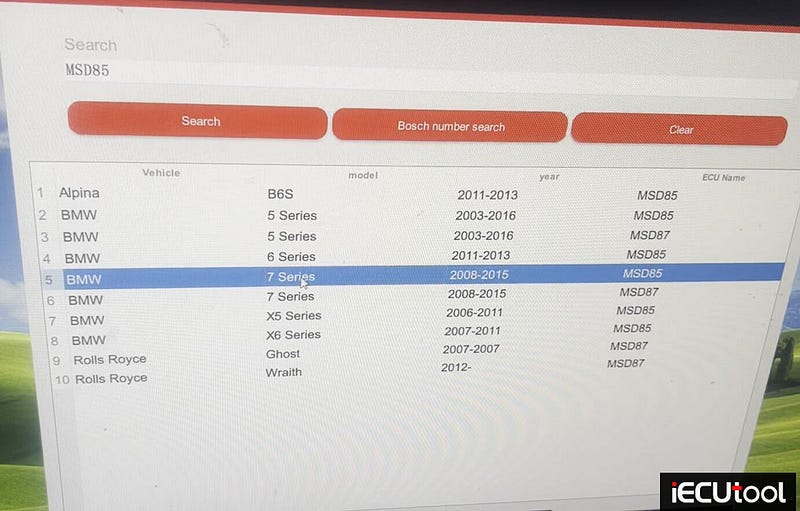
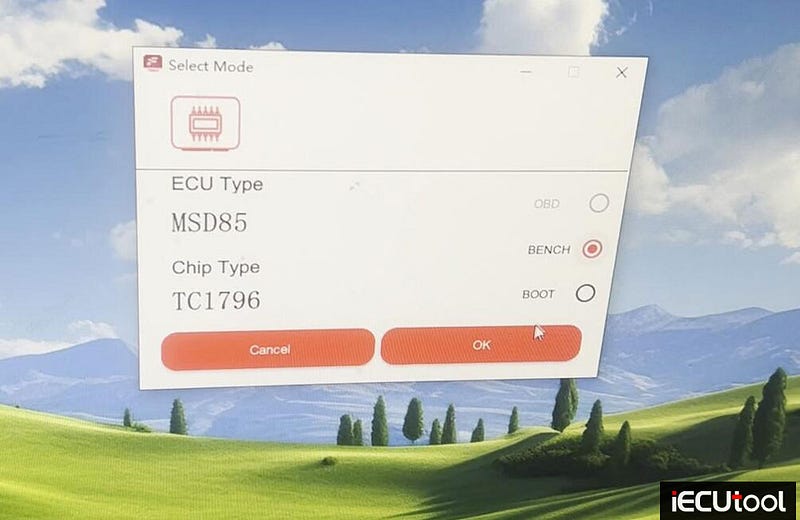
Check wiring diagram, then connect Formula Flash with DME follow the wiring.
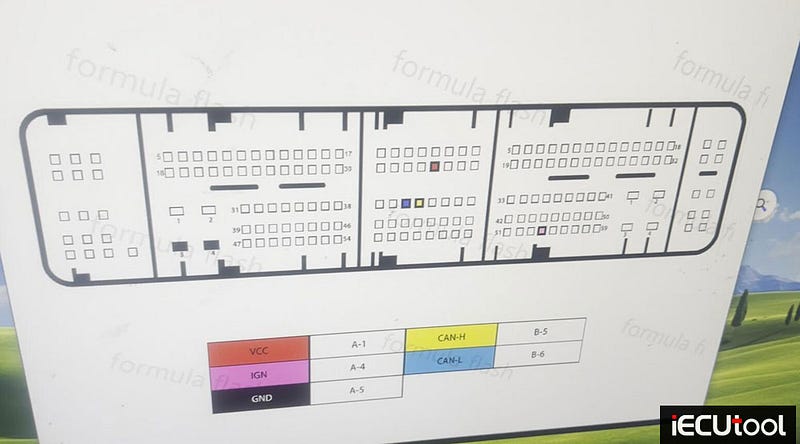
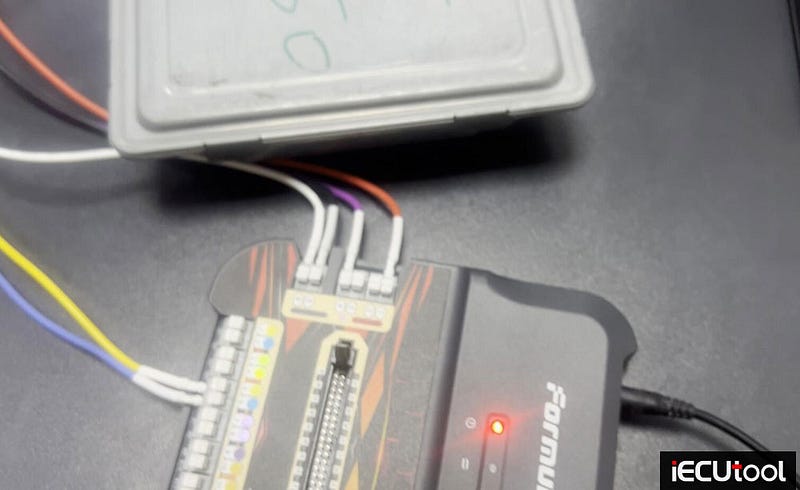
Connect ECU.
Then hit VIN/ISN/IMMO OFF function
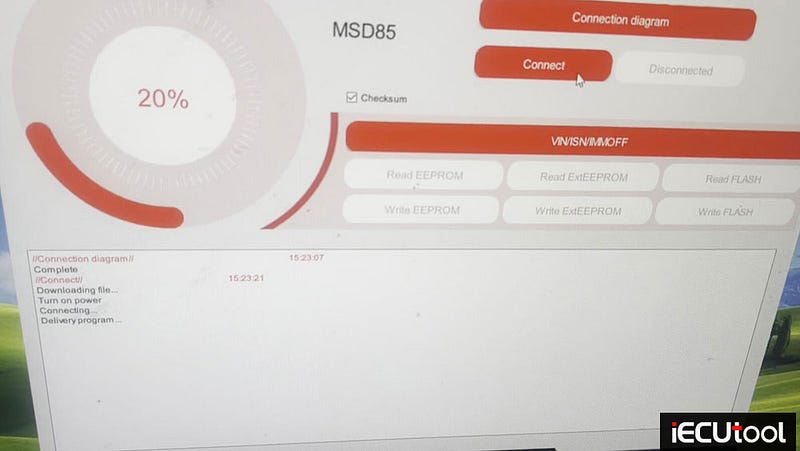
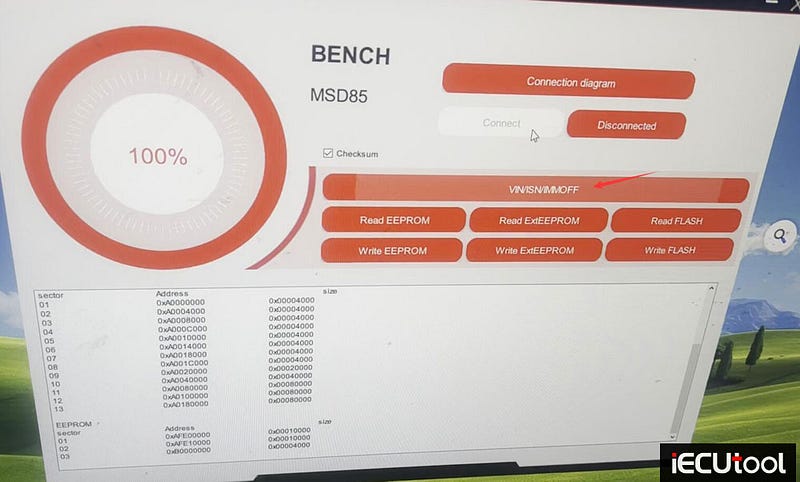
It will auto read eeprom and flash data.
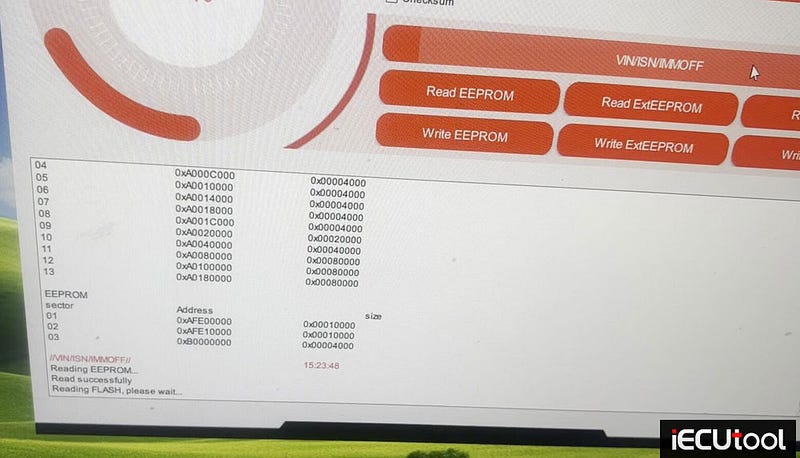
Read eerpom and flash data successfully. Then you will see Password, VIN and ISN.
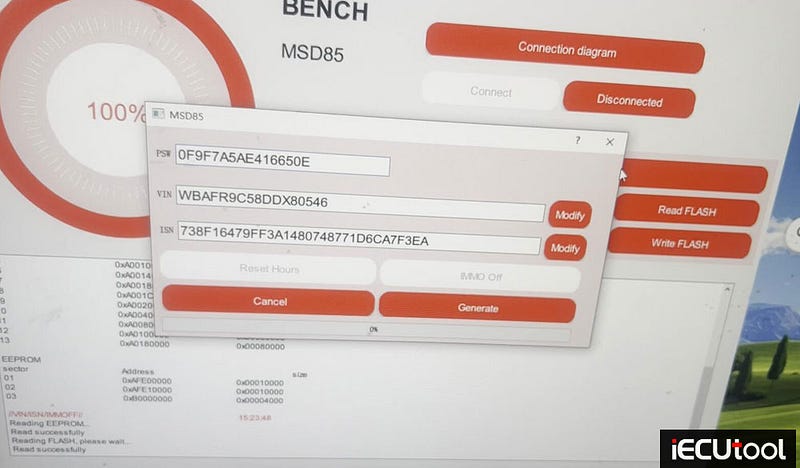
Input the VIN or ISN value you desire to modify
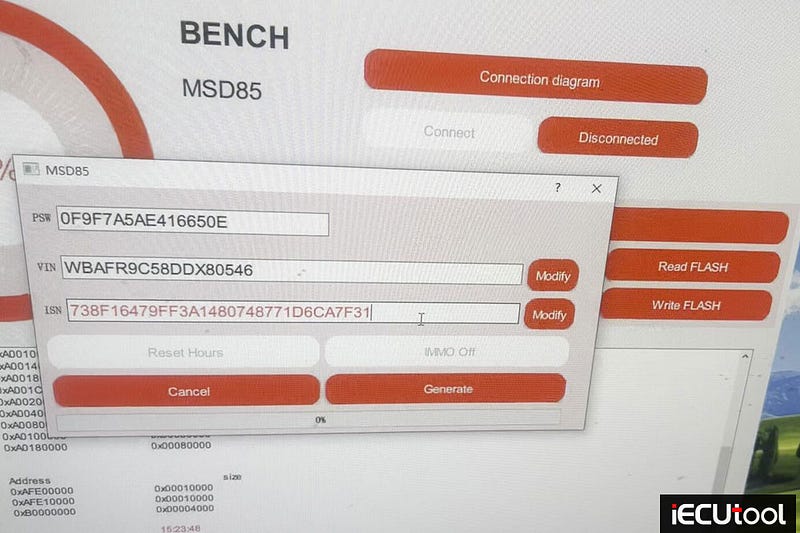
Just hit Modify button.
Then press Generate.
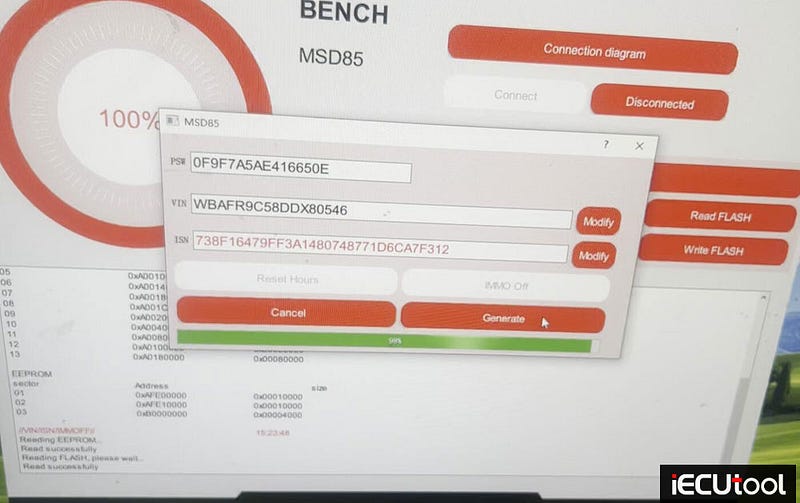
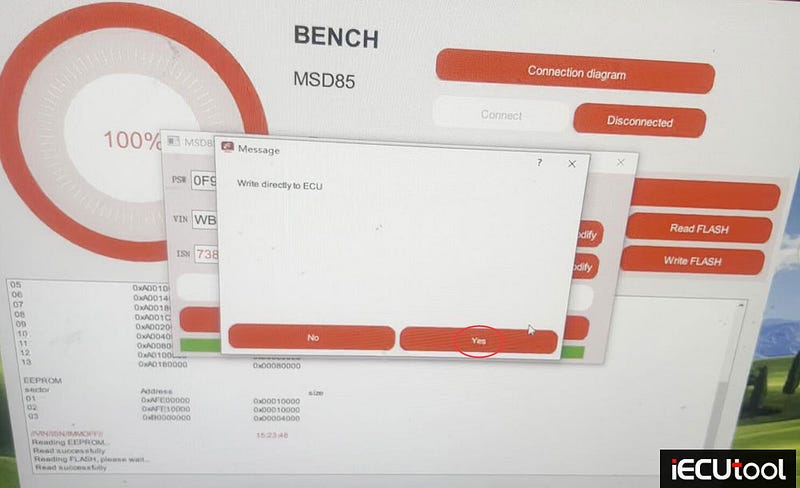
Modify VIN/ISN successfully. Press Yes to write directly to ECU.
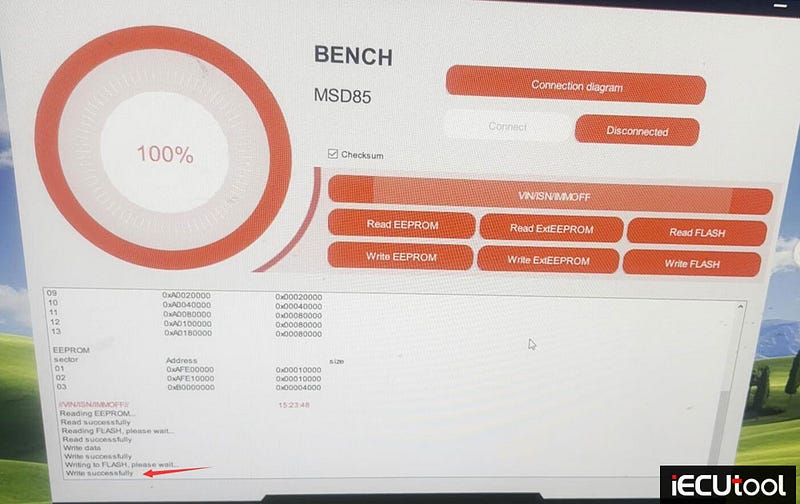
Write data successfully.
Check new update:
http://www.pcmtuner.org/forumaflash-1-0-0-9-adds-bmw-msv80-msv90-msd80-msd85-mg1/