iecutool

Automotive ECU Tools

iecutool

Automotive ECU Tools

FormulaFlash Reads BMW MEVD17.2.3 Flash and EEPROM

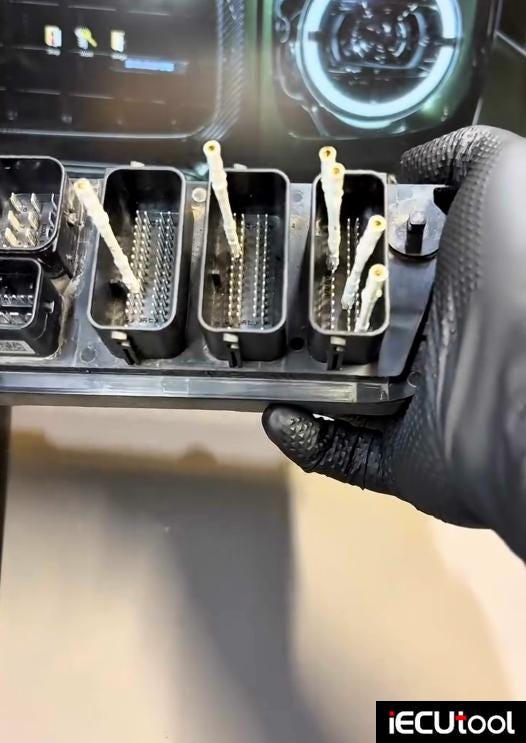
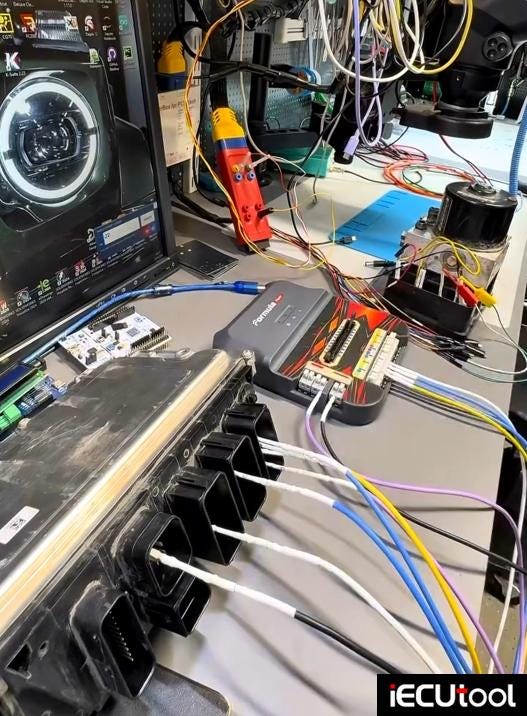
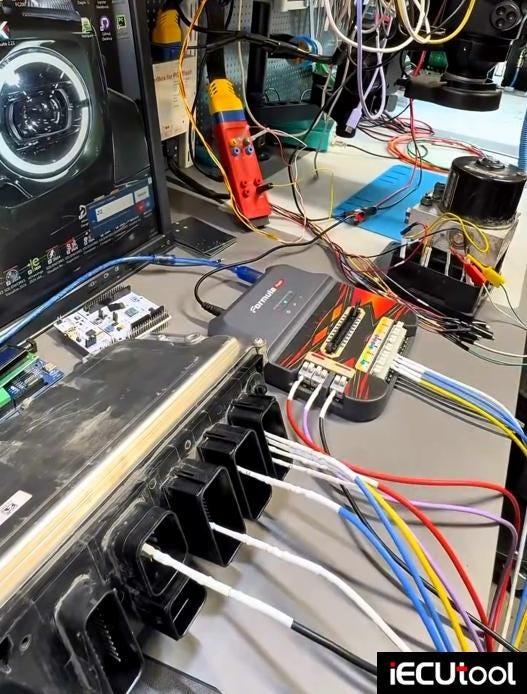
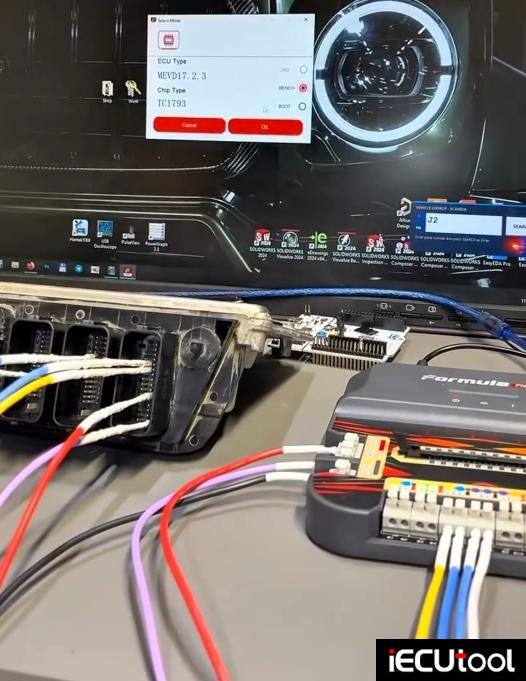
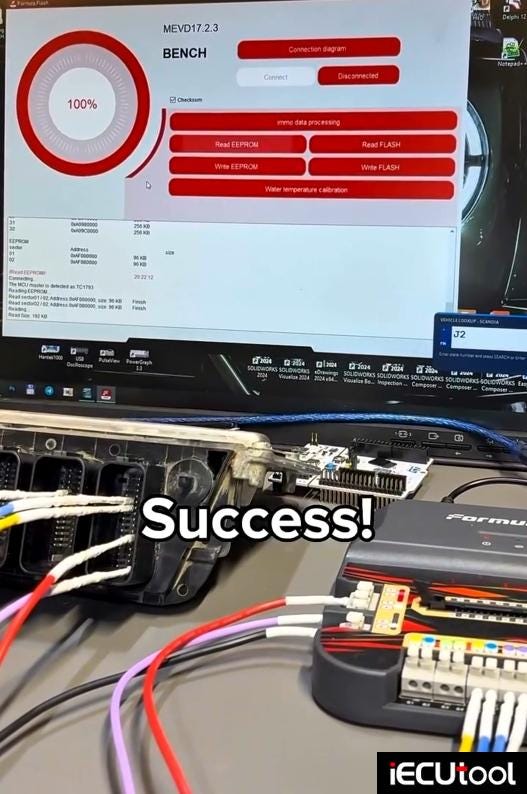
Reading Bosch MEVD17.2.3 TC1793 full Flash + EEPROM via FormulaFlash programmer on bench successfully.

Manufacturer: Bosch

Model: BMW 218i F45 2016

ECU: Bosch MEVD17.2.3

Microcontroller (MCU): Infineon Tricore TC1793 (BGA package)

Application: BMW and Mini turbo/naturally aspirated gasoline engines (F-series platforms)

Mode: Bench

Read eeprom & flash ok.

Write eeprom & flash ok.

Checksum correction with Formula Flash.
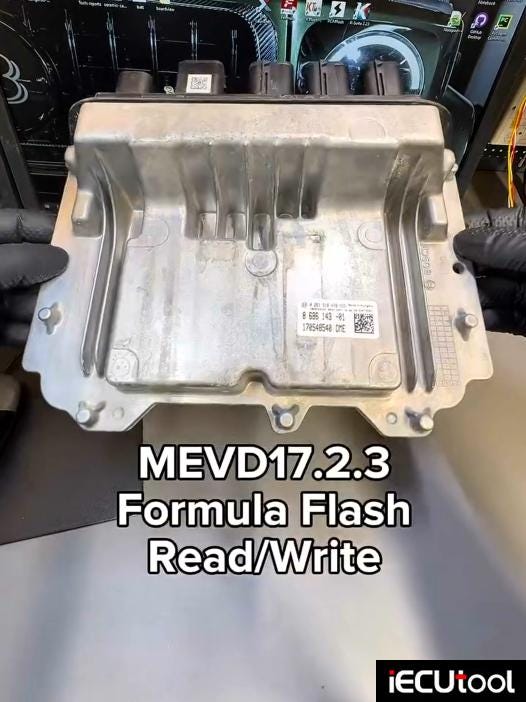

FormulaFlash Read BMW MEVD17.2.3 ECU on Bench

How to Perform Hyundai ME17.19.21.1 IMMO OFF with FormulaFlash

FormulaFlash programmer supports IMMO OFF functions for Korean Kia Hyundai ME17.9.21.1 ECU in the device without 3rd party software/devices.


Hyundai ME17.19.21.1 ECU IMMO OFF by FormulaFlash

Quick search for ME17.9.21.1 ECU. Available on bench and boot mode.

Choose bench mode connection.


Hyundai ME17.19.21.1 ECU IMMO OFF by FormulaFlash

There are 4 versions of bench pinouts for this ECU.


Hyundai ME17.19.21.1 ECU IMMO OFF by FormulaFlash

Select one that matches your ECU.

Set up bench connection according to the diagram.


Hyundai ME17.19.21.1 ECU IMMO OFF by FormulaFlash

Connect ECU.
Read and save eeprom & flash data.


Hyundai ME17.19.21.1 ECU IMMO OFF by FormulaFlash

Click IMMO Off function.
It will save flash again.
Then do IMMO OFF.


Hyundai ME17.19.21.1 ECU IMMO OFF by FormulaFlash

Click Yes to correct checksum.


Hyundai ME17.19.21.1 ECU IMMO OFF by FormulaFlash

Then process data.
Write data successfully.
It’s done.


Hyundai ME17.19.21.1 ECU IMMO OFF by FormulaFlash

Install ECU back to car.

FormulaFlash O2 Off Function for ME7.8.8 ECU

How to perform ME7.8.8 ECU O2 OFF for Chinese cars ChangAn, Geely, Changecheng etc using FormulaFlash programmer?

O2 OFF:

"O2 off" generally means the oxygen sensor has been deliberately turned off, or the computer is detecting that it’s not working properly. This can happen in two very different ways: through a custom engine tune, or because of a mechanical/electrical failure.

1. Connect ECU

Run Formulaflash software.

Quick search ME7.8.8 ECU.

Check wiring diagram.


Hyundai ME17.19.21.1 ECU IMMO OFF by FormulaFlash

Set up boot connection according to the diagram.


Hyundai ME17.19.21.1 ECU IMMO OFF by FormulaFlash

2.Read ECU

Hit Connect and unlock protection 5 times at least 15s between each attempt.


Hyundai ME17.19.21.1 ECU IMMO OFF by FormulaFlash

Read and save eeprom & flash after unlocking.


Hyundai ME17.19.21.1 ECU IMMO OFF by FormulaFlash

3. Process Data

Visit FormulaFlash data processing user center.

Go to user center. Upload original data to do O2 off or DTC off etc.

Select Data Processing- HO2 Oxygen Sensor System.
Input device S/N, Vehicle info, upload original DTC data/HO2 data to process data.
Hit Carry Close.
Copy link to paste in a new page, it will download the modified data automatically.


Hyundai ME17.19.21.1 ECU IMMO OFF by FormulaFlash

4.Write ECU

Back to connect ECU again. Unlock protection for 5 times.

Then write the modified data with Formulaflash software.


Hyundai ME17.19.21.1 ECU IMMO OFF by FormulaFlash

FormulaFlash Bench Read Write Guide for GM E88 ECM

Formulaflash sofwtare v1.1.70 has new support for GM ACDelco E88 / E90 / E93 ECUs. Here iECUTool.eu will show how to read and write GM E88 ECU with FormulaFlash programmer?


FormulaFlash Read and Write GM E88 ECM on Bench

Run Formula Flash software. Choose E88 ECU type and select bench mode.


FormulaFlash Read and Write GM E88 ECM on Bench

Check the connection diagram.


FormulaFlash Read and Write GM E88 ECM on Bench

Connect 6 wires: 3x VCC, CAN-H, CAN-L and GND.

Set up bench connection.


FormulaFlash Read and Write GM E88 ECM on Bench

Hit "Connect" to build a connection between device and ECU.


FormulaFlash Read and Write GM E88 ECM on Bench

The ECU has been decrypted. So we can read ECU.

Read and save ECU data.

Then write ECU.

Formula flash also does checksum correction.


FormulaFlash Read and Write GM E88 ECM on Bench

FormulaFlash V1.1.9.0 Add Ford SID211 SID212 Bench Protocols

FormulaFlash ecu programmer new bench protocol is coming: Ford Continental SID211, SID212 & SID212EVo.

FormulaFlash Update

v1.1.9.0
Release Date: 31.07.2026

What’s New?

  • New Bench Mode support for Ford SID211/ SID212 / SID212EVO (TC297TP) ECUs
  • Real Read & Write
  • Checksum Support

Present for years on numerous diesel applications, including SID211, SID212 ECUs represent one of the most requested solutions among workshops specialised in calibration and electronic programming.

Technical focus

  • Connection: BENCH
  • ECU: Continental SID212/SID211
  • Production years: from 2017
  • Brands involved: Ford

Supported vehicle list:

  • Transit
  • Transit Custom
  • Ranger
  • Focus IV
  • Kuga III
  • Tourneo
  • Mondeo

FormulaFlash V1.1.9.0 Update Ford SID211 SID212 Bench Protocols